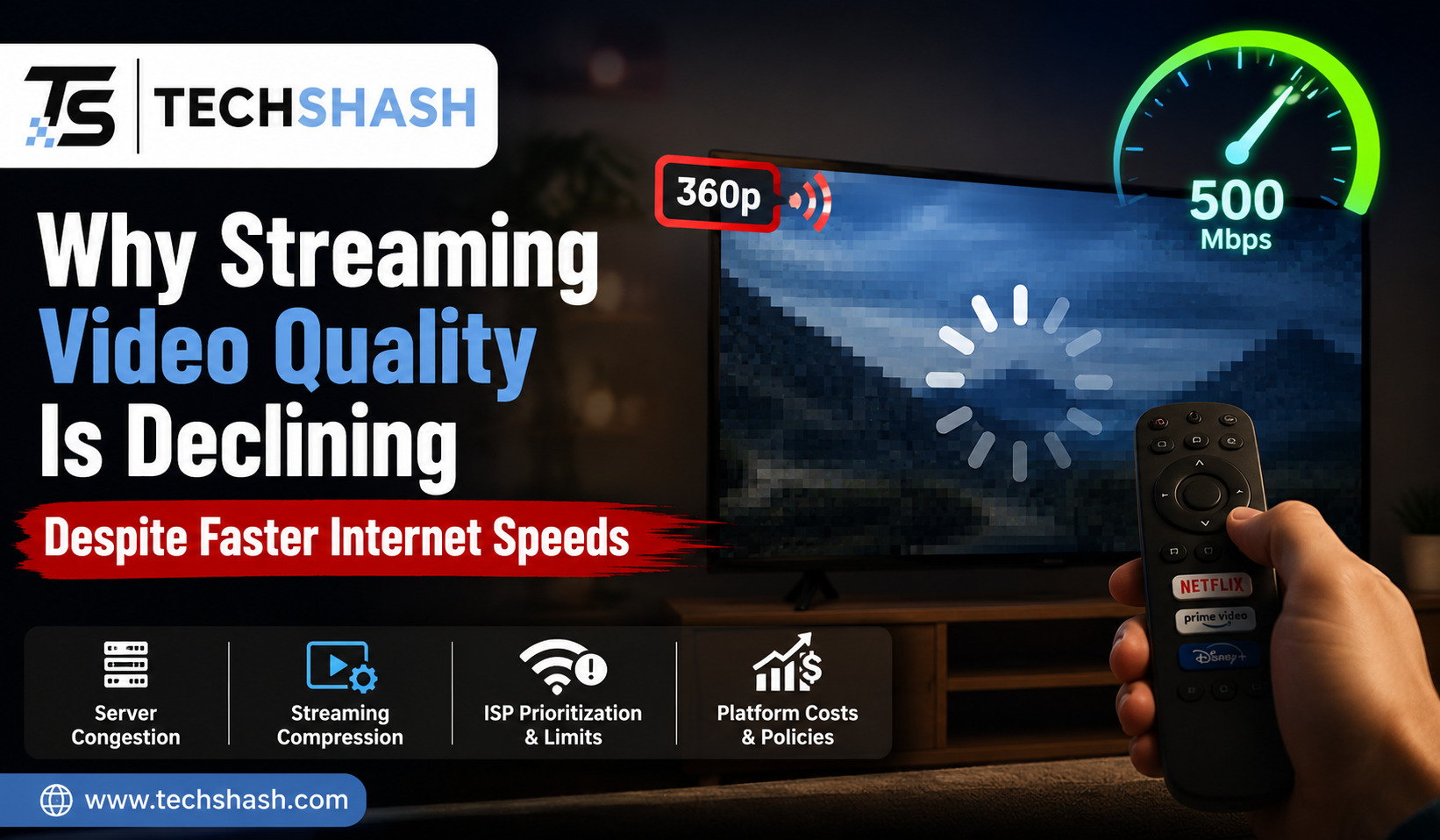
You tap play on your favorite movie, expecting crisp visuals on your high-definition television screen. Instead, dark scenes look blocky, fast action turns blurry, and color gradients look muddy. You might wonder why streaming video quality is declining when your home internet plan is faster than ever before. High-speed broadband connections promise instant loading, yet the visual clarity of online movies often falls short of expectations. This article will explain why streaming video quality is declining in detail and provide actionable steps to restore picture clarity.
1. Understanding Video Bitrate Compression and Resolution
Many viewers assume that resolution is the only factor determining how sharp a video looks on screen. Resolution simply measures the pixel count, such as 1920 by 1080 pixels for High Definition or 3840 by 2160 pixels for 4K.
Bitrate measures the amount of data transferred every single second during playback. A high pixel count with a low data rate produces a soft image filled with visual compression artifacts.
Resolution versus Data Rate
Displaying millions of pixels requires a substantial volume of underlying data. When a video stream delivers 4K resolution at a low bitrate, picture clarity drops significantly.
Pixels end up repeating across adjacent areas on the screen. This repetition creates a pixelated image despite the nominal 4K display label.
How Bitrate Dictates Picture Detail
Bitrate acts as the actual carrier of subtle visual details like film grain and skin textures. Higher bitrates preserve fine details in shadows and bright highlights.
When platforms lower the data rate, small visual details disappear completely. The screen displays smooth but blurry surfaces where fine textures used to exist.
- High bitrates ensure sharp images during fast action sequences.
- Low bitrates cause blocky patches in dark or complex scenes.
- Resolution sets the frame size, while bitrate dictates picture sharpness.
2. How Adaptive Bitrate Streaming Limits Picture Detail
Streaming platforms rely on adaptive bitrate streaming to deliver continuous playback without stopping to buffer. This system constantly monitors your connection stability and adjusts video quality in real time.
If your local network experiences a momentary delay, the system reduces incoming data immediately. You may not notice a pause in playback, but the picture quickly loses sharpness.
Automatic Quality Adjustments
Adaptive software divides every movie into small video chunks that last a few seconds. The video player evaluates network speed before downloading the next chunk.
If available speed drops, the player requests a lower quality chunk. This rapid drop prevents buffering but leads to noticeable shifts in visual clarity.
The Impact of Network Fluctuations
Wi-Fi signals in homes often fluctuate due to physical obstacles and wireless interference. Microwave ovens, Bluetooth devices, and physical walls disrupt signal stability continuously.
The streaming app reacts to these minor disruptions by dropping picture quality down to safer levels. This continuous adaptation explains why streaming video quality is declining during peak usage hours.
- The video player checks local network capacity every few seconds.
- Bandwidth drops force the player to select lower data streams.
- The picture drops from clear high definition to muddy standard definition instantly.
3. Why Streaming Video Quality Is Declining to Cut Bandwidth Costs
Delivering millions of concurrent video streams across global networks is extremely expensive for media companies. Streaming platforms pay internet service providers and data centers massive fees for data delivery.
Lowering the average data rate per user saves companies millions of dollars in annual server expenses. This economic pressure is a major reason why streaming video quality is declining across major platforms.
Per-Title and Per-Scene Encoding
Engineers now analyze each movie to find the lowest possible data rate needed for acceptable viewing. An animated film requires less data than an action movie with rapid camera movement.
Platforms apply custom encoding ladders based on content complexity. While this process reduces total data usage, it frequently caps maximum quality lower than previous standards.
Saving Money on Server Data Transfer
Data transmission costs scale directly with the amount of gigabytes sent to subscribers. By trimming twenty percent off average bitrates, platforms cut server infrastructure bills dramatically.
Subscribers still pay premium prices, but receive streams containing far less visual information. Physical media formats like Blu-ray discs remain vastly superior because they do not suffer from network bandwidth caps.
- Data delivery costs encourage platforms to reduce average streaming bitrates.
- Per-title algorithms compress simple scenes to minimize server output.
- Lowering stream data saves platforms millions of dollars every year.
4. The Shift to New Encoding Codecs and Compression Algorithms
Media companies continuously update their video compression technology to squeeze files into smaller packages. Modern codecs such as HEVC and AV1 aim to deliver good image quality using half the data of older formats.
These advanced algorithms perform exceptionally well in bright, simple scenes. However, aggressive compression techniques frequently fail during dark scenes and complex visual textures.
Modern Codec Efficiency
New codecs break images into tiny mathematical blocks to predict pixel changes across frames. When a background remains static, the algorithm skips sending new data for those pixels.
This method preserves internet bandwidth effectively. However, subtle details like dark smoke, light fog, and fine shadows are often discarded by the algorithm.
Compression Artifacts and Visual Noise
Aggressive encoding produces specific visual flaws known as color banding and blocking. Color banding occurs when smooth dark gradients turn into distinct, ugly stair-step bars of color.
Blocking happens when the screen displays visible rectangular grids during rapid motion. These artificial flaws emerge because the compression software aggressively discards subtle color data.
- Modern codecs reduce file size by predicting pixel changes between frames.
- Aggressive compression removes subtle shadow detail and fine texture.
- Color banding appears on screen when dark color gradients lose data precision.
5. Network Congestion and Content Delivery Networks Bottlenecks
Even if your personal internet speed test shows high numbers, broader internet infrastructure can experience bottlenecks. Streaming data must travel through multiple servers and exchange points before reaching your home router.
During evening hours, millions of households stream video content simultaneously. This massive spike in global traffic strains content delivery networks to their maximum limits.
Local ISP Throttling
Internet service providers often manage heavy traffic by limiting data speeds for high-bandwidth applications. This practice, known as data throttling, target video streaming services specifically during peak evening hours.
Your speed test might show full speed to a local server. Meanwhile, video data streams from remote servers are deliberately slowed down by the provider.
Server Loads During Peak Hours
Content delivery networks place copy servers close to major cities to serve local subscribers. When demand surges, these local edge servers become overwhelmed by incoming requests.
To keep videos playing without crashing servers, systems reduce the maximum available bitrates automatically. This widespread network throttling helps explain why streaming video quality is declining across popular services.
- Evening traffic spikes create bottlenecks across global data distribution networks.
- Internet providers may throttle video traffic while keeping general browsing fast.
- Server congestion forces platforms to distribute lower quality streams to avoid outages.
6. Hardware Compatibility and Device Settings Impacting Streams
Your streaming television, external dongle, or mobile device plays a direct role in processing incoming video data. Older media players lack modern chips needed to decode dense modern video files efficiently.
When an aging device struggles to process incoming streams, playback drops frames or switches to lower display modes. Smart TV software settings can also limit bandwidth without your explicit knowledge.
Streaming App Data Saver Modes
Many streaming apps feature default settings designed to conserve mobile data or internet bandwidth. These settings are often enabled automatically after app updates or fresh installations.
“Data Saver” or “Automatic” modes restrict video streams to lower bandwidth tiers. Viewers often do not realize their application is intentionally limiting picture resolution.
Television and Dongle Processing Power
Budget streaming sticks and older smart TVs contain weak internal processors. Modern video codecs require immense computational effort to unpack high-bitrate 4K files.
If a device processor overheats or runs out of memory, the operating system requests a lower bitrate. Upgrading to a modern, dedicated streaming media player ensures smooth decoding of dense video streams.
- Default application settings frequently limit streaming bandwidth to save data.
- Weak device processors lower stream quality to prevent overheating and freezing.
- Dedicated modern streaming hardware decodes high-bitrate files more effectively.
7. Practical Steps to Improve Your Video Streaming Quality
While you cannot change platform encoding choices, you can optimize your home network and account settings. Eliminating local bottlenecks helps secure the highest possible data rate available from your provider.
Taking control of app configurations and physical connections prevents unnecessary drop-offs in picture sharpness. Following simple optimization steps ensures your display receives uncompressed performance.
Adjusting Account Playback Settings
Log into your streaming platform accounts using a desktop web browser to access full account settings. Navigate to the playback profile options and switch video quality from “Auto” directly to “High.”
This setting forces the service to deliver maximum bitrates whenever your internet connection permits. It stops the app from dropping resolution prematurely during small network dips.
Switching to Wired Ethernet Connections
Wi-Fi connections introduce latency spikes and packet loss that force streaming apps to lower bitrates. Connecting your streaming device directly to your router using an Ethernet cable creates a stable link.
A wired connection eliminates wireless interference from nearby electronics and physical walls. Hardwiring your media player ensures consistent data delivery for uninterrupted high-definition viewing.
- Access platform settings via web browser to force “High” playback quality.
- Connect streaming devices directly to your router with an Ethernet cable.
- Remove background downloads on home devices to free up dedicated network bandwidth.
Key Takeaways
- Primary Cause: Platforms compress bitrates aggressively to reduce massive server bandwidth expenses.
- Resolution Myth: High pixel counts like 4K mean little if the underlying video bitrate is low.
- Adaptive Playback: Streaming apps drop picture detail automatically whenever Wi-Fi signals fluctuate.
- Hardware Impact: Older streaming sticks and default app settings limit playback performance.
- Simple Fix: Hardwiring your device with Ethernet and forcing high-quality playback settings improves picture clarity.
FAQs
What is the main reason why streaming video quality is declining on high-speed internet?
The main reason why streaming video quality is declining is that streaming platforms lower video bitrates to cut server and data transfer expenses.
Does watching movies over Wi-Fi reduce video picture sharpness?
Wi-Fi signals fluctuate frequently due to physical obstacles and wireless interference, which causes streaming apps to drop video quality automatically.
Is 4K streaming equal in quality to 4K Blu-ray physical discs?
Physical 4K Blu-ray discs deliver significantly higher bitrates than 4K streams, resulting in superior color accuracy, shadow detail, and overall picture clarity.
How can I stop my streaming apps from dropping playback resolution?
You can prevent resolution drops by connecting your streaming device using a wired Ethernet cable and selecting the highest quality playback option in your account settings.
Do internet providers slow down streaming video traffic during peak hours?
Internet service providers sometimes throttle high-bandwidth video traffic during peak evening hours to manage overall network congestion.
Conclusion
Understanding why streaming video quality is declining requires looking beyond advertised internet download speeds. Media companies compress video streams aggressively to manage operating costs, while network congestion and adaptive playback algorithms reduce picture sharpness further. By hardwiring your media devices, upgrading aging hardware, and adjusting playback settings to maximum quality, you can bypass local bottlenecks and enjoy the best possible viewing experience.