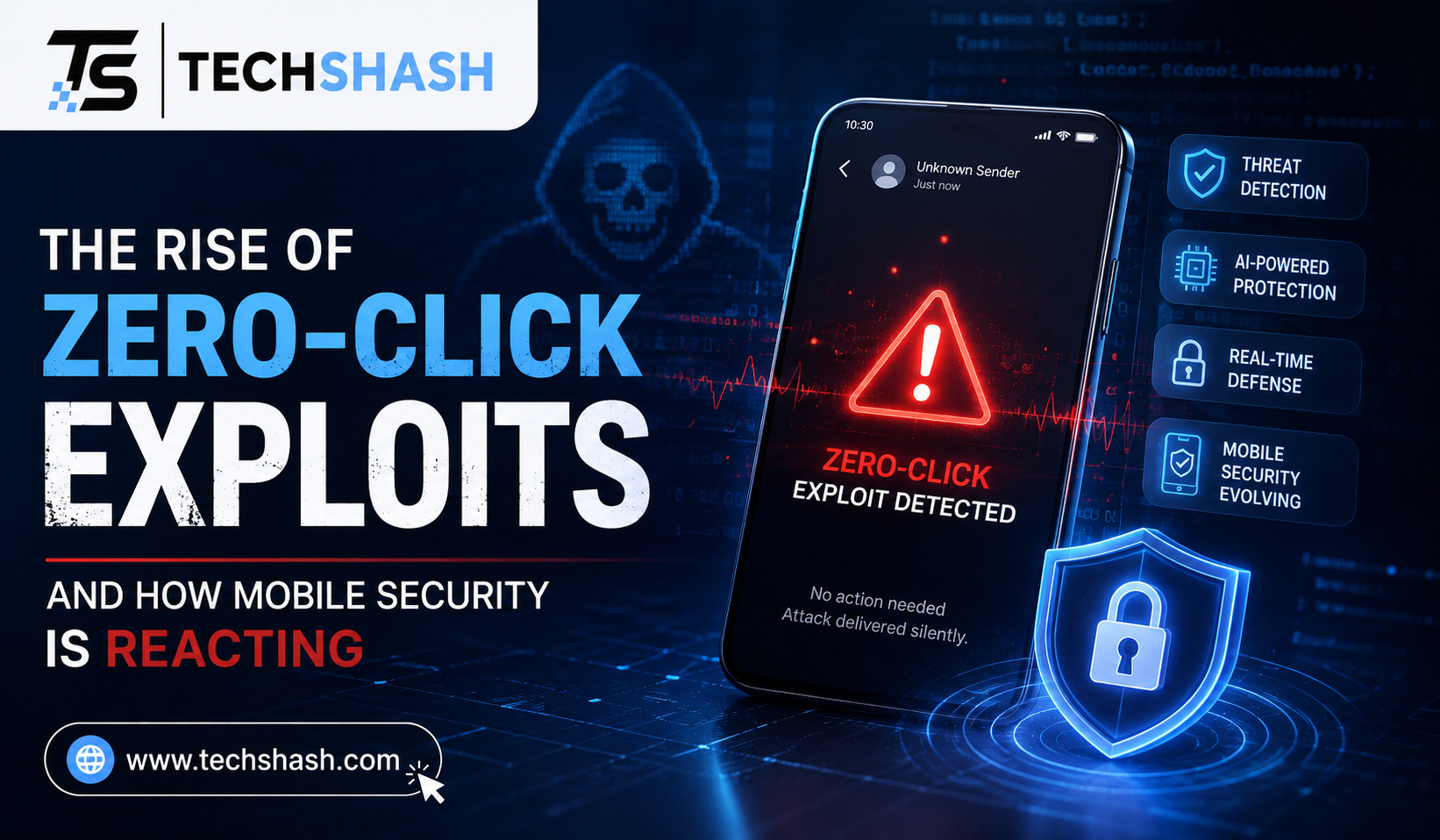
Smartphones carry our most personal conversations, financial records, and private photographs. For many years, users believed that avoiding suspicious links was enough to stay safe online. Today, a new class of silent digital threats has changed that security model entirely. Understanding zero-click exploits in mobile security is now vital for anyone who relies on a cellular phone.
Unlike traditional hacking methods, these silent attacks break into devices without requiring a single tap from the user. You do not need to download an infected attachment or open a fake website. An attacker can compromise your handset simply by sending a specifically crafted data packet in the background.
This article examines how these silent hacks operate, why they pose immense risks, and how software engineers construct defenses against them. You will learn about underlying system flaws, real-world spyware cases, and actions you can take today.
1. What Are Zero-Click Exploits in Mobile Security?
Most digital attacks rely on human error to succeed. A bad actor sends an email containing a suspicious link, hoping you tap on it. If you ignore or delete the incoming message, the attack fails completely.
Silent exploits remove human action from the process entirely. Software weaknesses allow malicious actors to execute code on your device without your permission or knowledge. Incoming data forces the underlying operating system to process malicious commands automatically.
Smartphones handle large volumes of incoming data every second. Instant messages, phone calls, push notifications, and image files arrive continuously in the background. If a receiving service contains a hidden software bug, an attacker can send a modified message that takes control of the application.
Understanding this threat requires looking at how applications handle data before displaying it on your screen. Here are core characteristics of silent mobile attacks:
- Zero user interaction: The target never touches a link, opens a file attachment, or answers an incoming call.
- Invisible execution: Malicious background processes run silently without showing notification banners or screen alerts.
- Trace removal: Sophisticated attackers wipe temporary installation logs immediately after gaining root access to hardware.
Because the target does not perform any mistake, traditional security awareness training cannot prevent these incidents. Someone can follow every safety rule and still suffer a total device breach.
2. How Zero-Click Attacks Compromise Smart Devices
To understand how these silent breaches happen, one must examine data parsing libraries. Modern smartphones automatically preview incoming media files so that chat applications show instant thumbnail images.
When a friend sends a photo over an instant messaging application, your phone opens that file in the background right away. Specialized code libraries parse the image format, decode pixel data, and render the graphic. Cybercriminals target these parsing components because they run automatically without waiting for user confirmation.
Many older media parsing libraries were written in low-level programming languages such as C or C++. These languages require software developers to manage computer memory allocations manually. If a developer makes a small calculation error, a buffer overflow vulnerability occurs when processing complex files.
Exploiting Hidden Code Weaknesses
Attackers construct custom files that masquerade as ordinary image files or document attachments. Beneath the outer structure, the file contains malformed data blocks designed to confuse the parser.
When the device attempts to process the file, the parser miscalculates memory allocation limits. The excess incoming data spills over into adjacent memory spaces, replacing critical system instructions.
This manipulation allows the attacker to achieve remote code execution inside the message parsing application. From that point, the exploit chains together additional software flaws to escape temporary restrictions and gain full administrative control over the smartphone.
3. High Profile Attacks and the Pegasus Spyware Threat
The threat of silent mobile hacks is not hypothetical. Commercial surveillance companies have built profitable businesses selling these powerful exploits to international clients.
The most famous example involves a surveillance toolkit known as Pegasus, developed by the Israeli technology company NSO Group. Pegasus gained global attention after security researchers discovered it on smartphones belonging to journalists, activists, and diplomats.
A notable delivery method was an exploit chain dubbed FORCEDENTRY, identified by digital rights researchers in 2021. Attackers transmitted malicious PDF files disguised as harmless image graphics through Apple iMessage.
The FORCEDENTRY Mechanism
The target smartphone received the incoming file silently over the cellular network. The messaging application automatically passed the file to an internal image rendering engine to generate a preview thumbnail.
An integer overflow error inside the CoreGraphics library triggered during this automatic preview calculation. That single flaw allowed attackers to bypass initial security controls and install a silent spyware attack payload.
Once installed, the spyware granted operators unrestricted access to the target handset. Operators could execute several invasive actions without prompting any user alerts:
- Reading encrypted chat logs and personal email messages.
- Activating the phone microphone and camera silently to record surroundings.
- Exfiltrating real-time satellite location coordinates and stored photo galleries.
This incident proved that state-sponsored groups could breach modern smartphones across the globe without user awareness. It forced mobile platform developers to completely redesign how core messaging applications process untrusted network data.
4. How Modern Mobile Operating Systems Are Defending Themselves
Operating system engineers recognized that traditional defensive methods were insufficient against invisible attacks. Relying on basic antivirus scans or delayed patch updates after a breach occurred no longer protected users.
Apple introduced a specialized security framework called BlastDoor in iOS 14 to isolate message processing. BlastDoor sandboxing acts as a restricted operating area that receives all untrusted file attachments before the main system processes them.
This architecture runs inside an isolated memory space with minimal system privileges. If an incoming image contains malicious code, the exploit crashes inside the sandbox without reaching personal user data or core operating system settings.
Lockdown Mode for High Risk Individuals
For users facing elevated risk profiles, mobile manufacturers developed specialized security configurations. Apple created Lockdown Mode to deliver maximum device defense by disabling high-risk software capabilities.
When an individual turns on this strict defense mode, the smartphone alters how it handles incoming digital communications:
- Attachment filtering: Most message attachment types other than basic image formats are blocked entirely.
- Preview removal: Automatic web link previews are disabled across all native messaging applications.
- Connection limits: Incoming call requests and service invitations from unknown contacts are blocked automatically.
While Lockdown Mode creates minor operational friction, security analysts confirm that it successfully neutralizes sophisticated zero-click exploits in mobile security. Devices operating in this strict mode gain a strong protective layer against silent intrusion attempts.
5. The Role of Memory Safety Protection and Advanced Isolation
Engineering teams are working together to eliminate the root causes of silent exploits entirely. The majority of historical vulnerabilities stem from memory management flaws in legacy codebases.
Technology companies are actively transitioning core software components to modern programming languages. Google and Apple now write critical system services using Rust because the language enforces strict memory rules during compilation.
By adopting memory safety protection languages, developers eliminate entire categories of buffer overflow flaws before software reaches consumer handsets. Android utilizes Rust for new bluetooth components, hardware abstraction layers, and messaging processors.
Hardware Supported Security Controls
Software protections work alongside advanced hardware capabilities built directly into modern mobile microprocessors. Modern chips enforce strict boundaries regarding how system memory locations can be accessed or executed.
Pointer Authentication Code technology signs memory addresses cryptographically to prevent attackers from hijacking code execution flows. If an exploit attempts to alter an internal memory pointer, the processor detects the invalid signature and terminates the process immediately.
Furthermore, virtualized sandboxes isolate cellular baseband modems from the main application processor. This physical separation ensures that even if an attacker exploits a wireless radio flaw, they cannot easily access stored passwords or personal photos.
6. Practical Steps to Reduce Your Vulnerability to Invisible Hacks
Although zero-click attacks target specific individuals, general smartphone users should maintain strong security habits. Everyday consumers can adopt straightforward practices to lower their exposure to automated network threats.
The single most effective action is installing software updates as soon as phone manufacturers release them. Security patches regularly close undisclosed vulnerabilities that attackers actively try to exploit.
Restarting your mobile handset on a regular schedule also offers surprising security benefits. Sophisticated mobile malware frequently resides only in temporary volatile memory to avoid leaving permanent files on internal storage drives.
Smart Configuration Adjustments
Adjusting default application settings eliminates several potential entry points for background attacks. Users can improve device posture through a few practical steps:
- Enable automatic operating system updates so critical security patches apply without delay.
- Turn off automatic media downloads inside third party messaging tools like WhatsApp or Telegram.
- Disable auto-connect functions for public Wi-Fi networks to prevent local data interception.
- Reboot your smartphone at least once every few days to flush temporary system memory.
Enabling Lockdown Mode on supported devices provides immediate relief for journalists, corporate executives, or public figures facing elevated threat levels. Taking these preventive measures helps safeguard personal privacy against invisible cyber threats.
7. The Future Outlook for Mobile Device Security
The ongoing battle between security researchers and exploit developers will shape the future of mobile privacy. As operating systems build deeper defensive layers, finding working zero-click chains becomes significantly more expensive for attackers.
Exploit brokers currently offer millions of dollars for a single working zero-click chain on modern mobile platforms. This high financial barrier shifts silent attacks away from broad consumer campaigns toward narrow, highly targeted operations.
Artificial intelligence tools are also altering how both sides approach vulnerability research. Automated analysis systems help software engineers scan billions of lines of code for parsing errors before releasing updates to the public.
Simultaneously, security researchers use advanced fuzzing tools to test complex logic interactions across interconnected system components. International regulatory bodies are also enacting stricter policies regarding the sale and export of commercial spyware platforms.
Combining memory-safe programming, hardware isolation controls, and aggressive sandboxing makes smartphones far more resilient against silent compromise. Continuing to advance mobile device security standards remains essential as new wireless communication technologies emerge.
Key Takeaways
- Primary threat: Zero-click attacks compromise smartphones automatically without requiring user interactions or link clicks.
- Main entry point: Background image parsing, messaging attachments, and cellular baseband protocols serve as common attack vectors.
- Defense mechanisms: Operating systems utilize BlastDoor sandboxing, memory-safe languages like Rust, and hardware protections to isolate incoming data.
- User action: Regular device restarts and immediate operating system updates disrupt silent malware persistence in volatile memory.
- Maximum protection: High-risk individuals can enable Lockdown Mode to block vulnerable media parsing features entirely.
FAQs
What is the main difference between a zero-click exploit and a traditional phishing attack?
A traditional phishing attack requires a user to click a link or download a file, whereas a zero-click exploit infects a device automatically without any user interaction.
Can antivirus software detect zero-click spyware on a mobile phone?
Most standard mobile antivirus applications cannot detect zero-click spyware because the malicious code operates inside isolated system memory with elevated privileges.
Does restarting my smartphone remove zero-click malware?
Restarting your smartphone clears volatile system memory and can temporarily disrupt non-persistent spyware, although sophisticated attacks may re-infect the device later.
Who is most at risk of being targeted by zero-click exploits?
High-profile individuals such as journalists, government officials, human rights activists, and business executives are the primary targets of these expensive exploits.
How does Lockdown Mode protect iPhones from zero-click attacks?
Lockdown Mode protects devices by disabling automatic attachment parsing, blocking link previews, and restricting complex web technologies that attackers commonly exploit.
Conclusion
Silent digital attacks represent a major shift in the modern cybersecurity environment. Understanding zero-click exploits in mobile security helps users appreciate why software updates and system isolation features are necessary.
While manufacturers continue to implement memory safety protections and advanced sandboxing, users must remain proactive by keeping operating systems current and rebooting devices regularly. Combining platform level defenses with sensible device management ensures that mobile devices remain secure against invisible intrusions.