Every year, millions of homeowners add smart lights, security cameras, and voice assistants to their living spaces. Most of these popular devices send data back and forth across distant internet servers to perform simple daily actions. However, a growing movement toward decentralized smart home hubs is changing how people manage local devices without relying on external cloud networks.
If your internet connection drops, standard connected gadgets often stop working completely. Smart home control should stay inside your building rather than traveling through third-party data centers. This detailed guide explains how offline system architecture works, why local network control keeps your personal data safer, and how you can transition away from cloud-dependent smart setups.
1. What Are Decentralized Smart Home Hubs?
Traditional smart platforms rely on central servers owned by large technology corporations. When you flip a light switch using a phone app, that signal travels to a remote cloud system before coming back into your house.
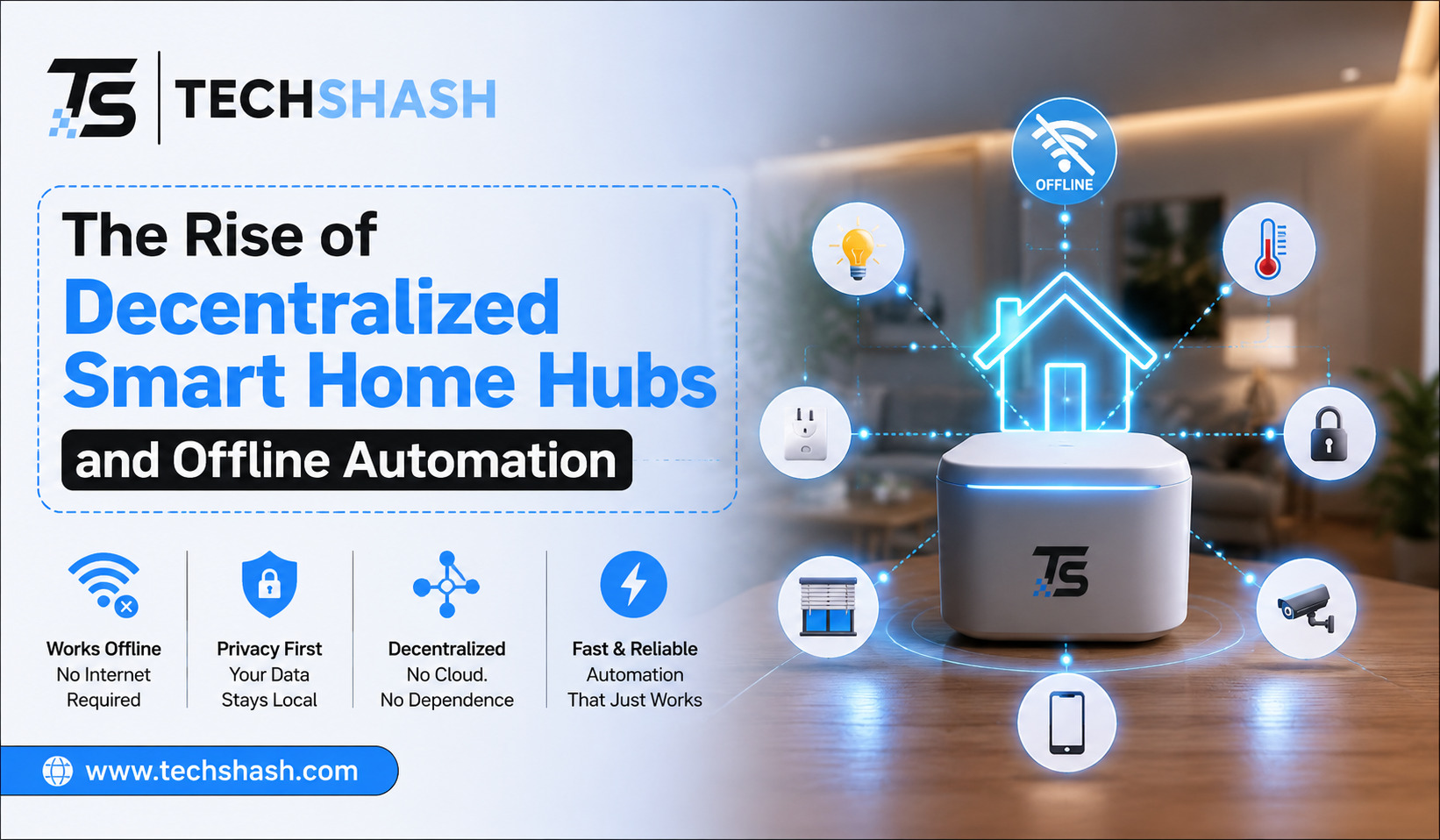
Decentralized architectures change this pattern completely. In a local system, command processing stays inside your home on hardware that you physically own and manage.
Hardware hubs act as local brains for your entire building network. These hardware units talk directly to sensors, switches, and appliances over direct wireless pathways.
Centralized Networks Versus Local Control
Centralized systems create single points of failure. If the parent company shuts down its cloud infrastructure, your expensive smart products become completely useless overnight.
Local systems continue to function even if the hardware manufacturer goes out of business. The system code runs locally, so outside server changes will not break your daily automated tasks.
Understanding Offline Automation Processing
Offline automation means your instructions execution does not require an active internet connection. Time-based schedules, motion sensor routines, and temperature rules run continuously without external connections.
This processing model ensures that your local home automation remains reliable regardless of outside network stability. You retain true ownership over your automation schedules and device configurations.
2. How Offline Automation Protects Your Personal Privacy
Cloud-connected home devices constantly send detailed logs to external platforms. These logs reveal when you wake up, when you leave your house, and what equipment you use every day.
Switching to offline processing stops unnecessary outbound data collection entirely. You can build a privacy-focused smart home that keeps personal habits strictly inside your own household walls.
Keeping Video Feeds and Audio Logs at Home
Security cameras and microphone systems carry significant privacy risks when connected directly to cloud services. Video footage stored on third-party drives can be vulnerable to data breaches or unauthorized viewing.
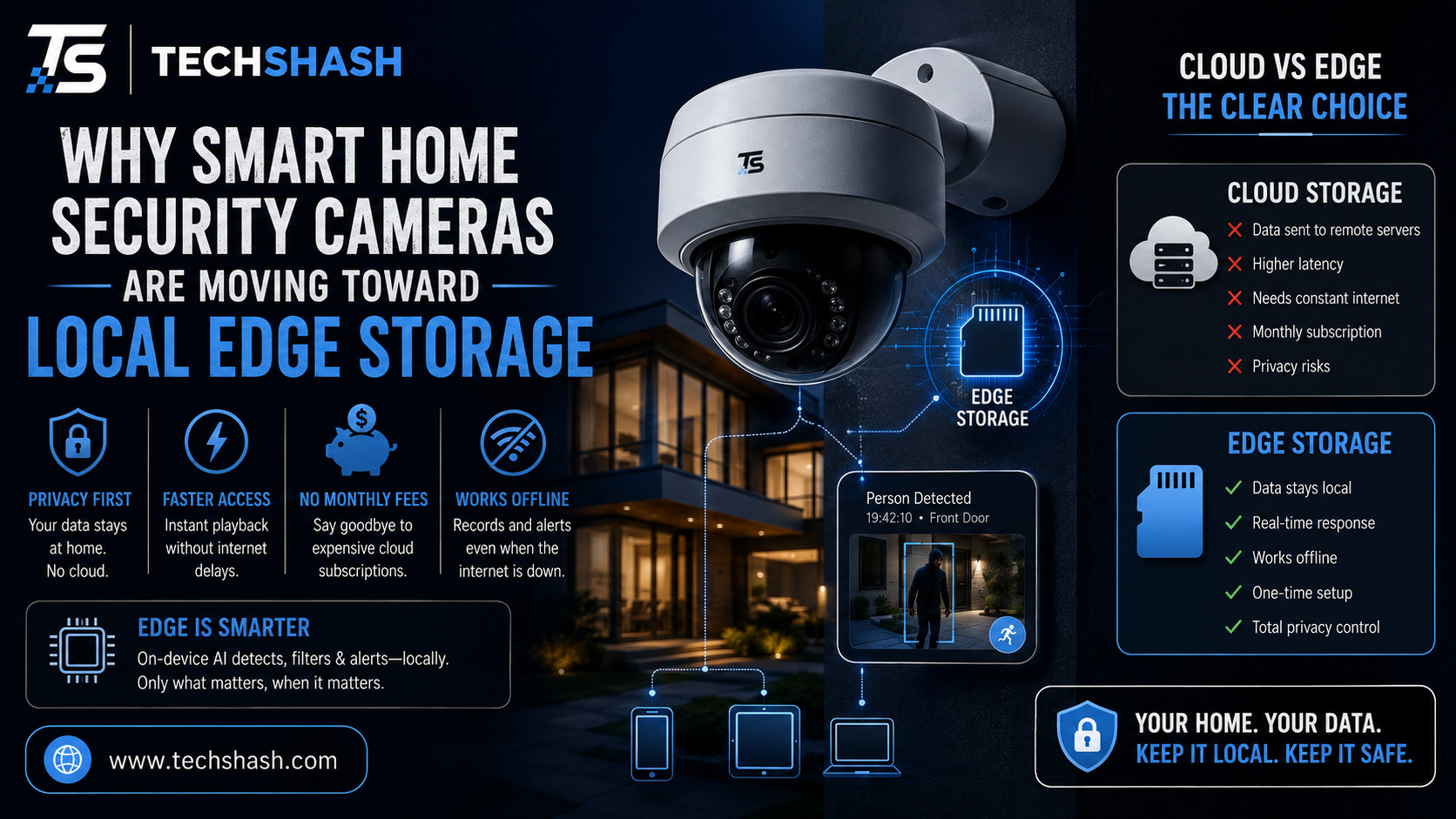
Local hubs process video feeds directly on internal hard drives or memory storage. Camera footage never leaves your local area network, which keeps private family moments fully protected.
Eliminating Continuous Data Harvesting
Many free or low-cost cloud platforms collect user behavioral data to build target profiles. They track your routines and energy consumption patterns to sell targeted marketing insights.
Decentralized hardware removes this corporate access door. Because your hubs do not report to outside company servers, market research companies cannot monitor your daily life.
3. Eliminating Reliance on Cloud Servers and Internet Outages
Internet service disruptions happen regularly due to storms, cable damage, or service provider equipment failures. Standard smart devices freeze up when these network drops occur.
Decentralized platforms isolate your home electronics from public web outages. Your local switches, door locks, and climate sensors keep communicating smoothly across your private local network.
Maintaining House Security During Network Outages
Door locks, motion detectors, and window sensors must work reliably every hour of the day. A cloud disconnect should never leave your home security vulnerable or prevent entry.
Local automation systems run security checks across direct radio frequencies. Even when your main modem goes dark, your offline smart home devices continue to trigger alarms and lock doors as expected.
Preventing Subscription Fees and Forced Service Upgrades
Cloud smart home companies often add monthly fees for basic features like video recording or advanced automation routines. They may also turn off server support for older equipment models.
Local hardware processing eliminates monthly subscription charges. Once you purchase and install your local hub software, you keep full access to all features forever without extra fees.
4. Faster Response Times Across Local Smart Networks
Speed matters when interacting with everyday household electronics. Pushing a button on a wall switch should turn on a bulb instantly without noticeable delay.
Cloud commands must travel across thousands of miles of internet cables before reaching your light bulb. This multi-step path introduces annoying input lag that ruins the user experience.
Eliminating Latency Across Automated Routines
Local network signals travel instantly across your internal Wi-Fi or local mesh radio frequencies. Responses happen within milliseconds because signals only move across a few feet of physical space.
This speed boost becomes very clear when triggering complex multi-device routines. Motion sensors can illuminate hallway lights the precise moment your foot steps into a room.
Reducing Internal Wi-Fi Bandwidth Congestion
Standard cloud devices clutter home Wi-Fi networks by sending endless status update packets to external servers. This extra traffic slows down home video streaming, video calls, and gaming performance.
Decentralized hubs gather device communications onto dedicated, low-energy radio networks. Your main home Wi-Fi stays free for computer and entertainment bandwidth requirements.
5. Key Technologies Driving Local Control and Interoperability
Modern offline automation platforms rely on open communication protocols and non-proprietary software. These standards allow products from different manufacturers to talk to one another smoothly.
Instead of locking yourself into a single brand system, local software platforms let you mix and match the best available hardware options.
Open-Source Automation Engines
Platforms like Home Assistant and OpenHAB lead the movement toward self-hosted home processing. These software packages run on small, power-efficient microcomputers kept inside your house.
These platforms organize all connected devices into one central dashboard. They feature active communities that continuously update software integrations for thousands of physical products.
Dedicated Mesh Radio Protocols
Zigbee and Z-Wave serve as fundamental communication channels for local smart setups. These low-power radio protocols do not use regular Wi-Fi bandwidth or require web access.
Each plugged-in radio device acts as a repeater node across your property. This mesh structure creates a resilient wireless grid that operates completely offline.
The Emerging Role of Thread and Matter
Matter is a unifying industry standard designed to make smart devices work together across brands. Thread is a low-power mesh protocol that supports local device-to-device connections.
Together, Thread and Matter enable local network control across diverse hardware lineups. They reduce setup headaches while keeping your essential automation pathways off public cloud servers.
6. Setting Up Your Own Offline Smart Network Step by Step
Building a decentralized home control system takes a clear plan, but you can build it gradually. You do not need to replace every light switch or lock on your first day.
Starting with core infrastructure ensures your system stays organized as you add new room features over time.
Step 1: Selecting Your Central Hardware
Begin by choosing a dedicated computer unit to serve as your local hub. Compact single-board computers or refurbished mini desktop computers work exceptionally well for this task.
Ensure your chosen hardware stays plugged into your main network router via an Ethernet cable. Direct wired connections provide the best stability for your hub software.
Step 2: Adding Radio Dongles for Local Protocols
Purchase USB radio adapters for protocols like Zigbee, Z-Wave, or Thread. Plug these small adapters directly into your main hub computer.
These radios allow your central computer to talk directly with low-power battery sensors without routing data through proprietary vendor bridges.
Step 3: Integrating Devices and Building Routines
Pair your smart switches, sensors, and bulbs directly to your central software controller. Organally group devices by physical room locations for easier management.
Create automation routines directly inside your local controller interface. Test each routine by turning off your internet modem to confirm that every action executes offline without issues.
7. Challenges and Limitations of Local Home Automation
While offline local automation offers great security and speed benefits, it also presents distinct challenges. Understanding these trade-offs helps you set realistic expectations for your project.
Initial configuration demands more time and patience than simply plugging in commercial cloud gadgets.
Learning Curve for Initial Configuration
Setting up local hub software requires basic computer knowledge and a willingness to learn new interfaces. You must configure network settings, update device software manually, and organize dashboard layouts yourself.
Commercial cloud products offer easier one-click app setups. However, that early convenience comes at the cost of long-term privacy and long-term system reliability.
Managing Remote Access Safely
Controlling your home while traveling away from your building requires careful configuration. Because your hub does not rely on cloud servers, you must set up secure remote gateways.
Using encrypted virtual private networks allows safe connection to your local hub from anywhere. This approach keeps your smart home security high without exposing internal home devices to public hackers.
Key Takeaways
- System Architecture: Decentralized smart home hubs process all device commands locally without sending personal data to cloud platforms.
- Privacy Protection: Keeping video storage and sensor logs on local hard drives prevents corporate tracking and cloud data leaks.
- System Reliability: Offline networks continue to execute routines, trigger alarms, and manage locks during public internet outages.
- Response Speed: Local signal processing removes input lag, offering instantaneous device reactions and reduced Wi-Fi traffic.
- Open Protocols: Standards like Zigbee, Z-Wave, Thread, and Matter enable brand interoperability without subscription paywalls.
FAQs
Do decentralized smart home hubs require an active internet connection to function daily?
No, decentralized hubs process all automation rules and local device communications entirely offline without requiring internet connectivity.
Can I still control my offline smart home while I am away from home?
Yes, you can access your local hub remotely by setting up an encrypted private network connection to your home network.
Are local smart home hubs compatible with popular voice assistants?
Yes, local hubs can integrate with local voice processing engines or connect securely to voice assistants when internet access is enabled.
What happens to my automated routines if my main home power goes out?
Automated routines pause during power loss but resume normal operations immediately once your hardware hub restarts on backup battery or main power.
Will local home automation save money compared to commercial cloud systems?
Yes, local automation saves money over time by eliminating mandatory monthly cloud subscription fees and preventing forced hardware upgrades.
Conclusion
The evolution toward decentralized smart home hubs represents a necessary shift back toward consumer privacy, operational speed, and long-term hardware reliability. Moving system logic off corporate cloud servers ensures that your living space remains functional regardless of web outages or service shutdowns. While local setups require a brief learning phase during initial configuration, the resulting independence from monthly fees and corporate tracking makes offline home automation a superior long-term strategy for modern living.