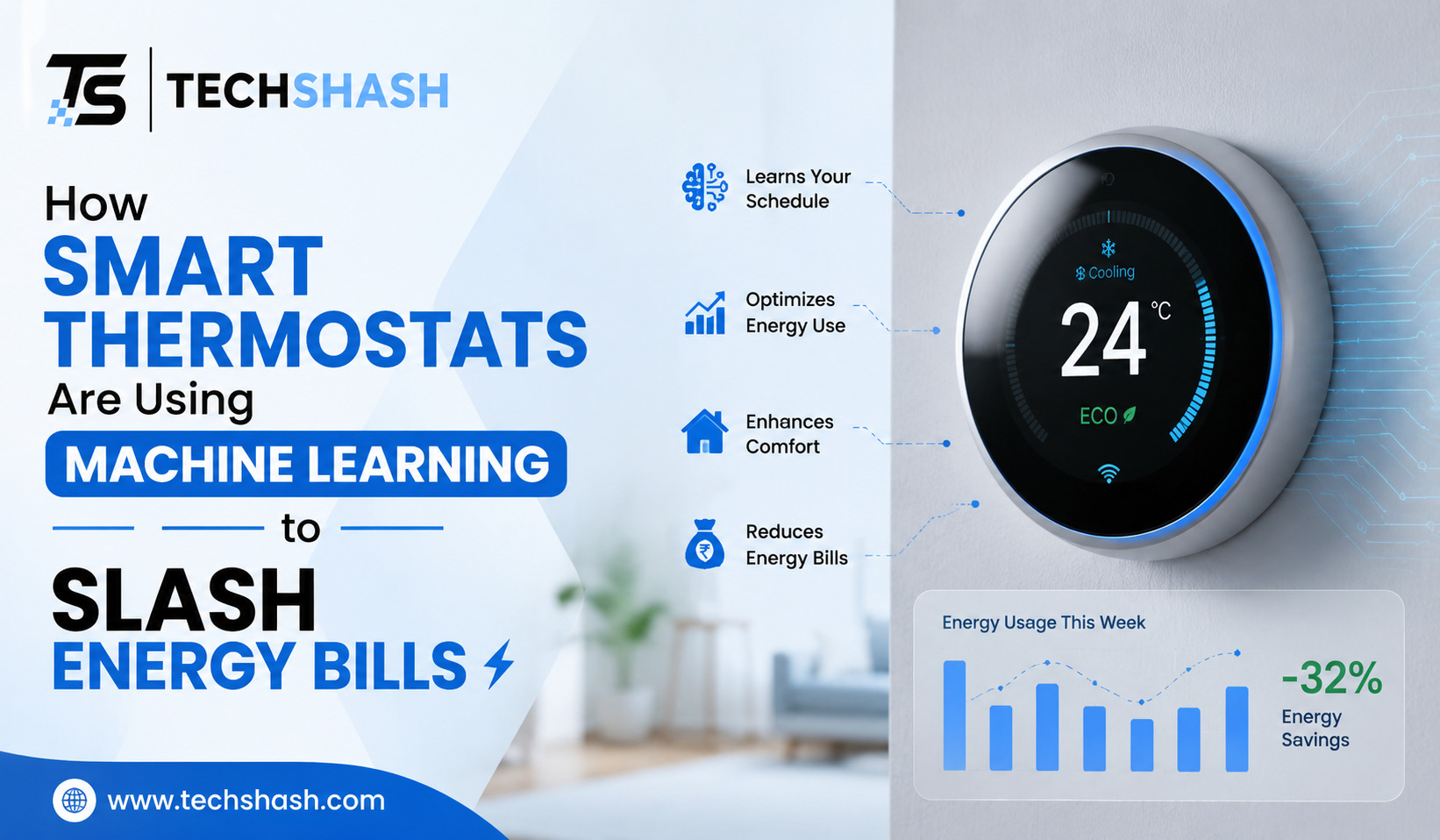
High energy bills shock millions of homeowners every single month. Heating and cooling systems consume more electricity than almost any other apparatus inside a modern household. Knowing how smart thermostats are using machine learning to slash energy bills can help you take control of your monthly utility expenses without sacrificing personal comfort.
Standard temperature controllers rely on basic manual input. People often forget to turn down the heat before leaving for work or adjust the air conditioner before going to bed. Automated systems fix these human errors by studying your daily routine, analyzing household patterns, and adjusting temperatures automatically.
This detailed guide explains how smart home energy management tools operate, how automated temperature control works, and how artificial intelligence temperature control cuts household spending.
1. Understanding How Traditional Thermostats Waste Home Heating and Cooling Energy
Standard manual thermostats operate on very simple technology. You set a single temperature, and the system works continuously until the indoor air reaches that specific number.
Many people install basic programmable thermostats hoping to reduce power consumption. However, entering complex schedules into a small plastic screen proves difficult for most householders.
Studies show that most residents eventually stop using their programming features altogether. They simply leave the system running at one constant setting all day long.
- Manual units running continuously keep empty rooms warm or cool when nobody is home.
- Incorrect manual overrides cause heating systems to run much longer than necessary.
- Inaccurate sensors trigger heating cycles too frequently, consuming unnecessary electricity.
Running a climate system inside an empty house wastes large amounts of power. Heating or cooling a home while everyone is away at work or school serves no actual purpose. Energy waste from unmanaged manual controls accounts for a substantial portion of average electric bills. Modern technology resolves this issue by making schedule adjustments completely automatic.
2. How Smart Thermostats Are Using Machine Learning to Slash Energy Bills
Modern climate controllers do far more than follow a fixed clock schedule. They collect continuous data from built-in motion sensors, humidity detectors, and external weather tracking services.
Machine learning software processes this continuous flow of information to discover patterns in daily human behavior. The internal software notices when you wake up, when you leave the property, and when you return home.
After gathering data for a few days, the unit builds a customized schedule tailored specifically to your family life. The controller adjusts temperatures automatically whenever you step out the door.
Predictive Heating and Cooling Operations
Older devices start heating or cooling only after room temperatures shift significantly. Smart models use predictive algorithms to prepare your indoor climate in advance.
If the system knows you arrive home at six in the evening, it calculates the exact time required to reach your preferred comfort level. It begins cooling slowly before you arrive rather than running at maximum capacity after you walk through the door.
Adapting to Outdoor Weather Changes
Local weather shifts impact indoor conditions faster than many homeowners realize. Smart software tracks outside temperature changes, sunlight levels, and air humidity.
When outdoor conditions turn mild, the system scales back its output to preserve energy. Predictive weather integration allows your heating system to run efficiently during unexpected weather changes.
3. Key Features of Machine Learning Algorithms in Modern Heating Controls
Smart devices contain advanced features designed to maximize heating and cooling efficiency without extra effort from users. These automated functions work together in the background every hour of the day.
Geofencing Capabilities
Geofencing connects your wall thermostat directly to your smartphone location services. When your phone moves outside a set geographic perimeter around your property, the system enters an energy-saving state.
When you drive back toward your house, the software detects your approach. It warms or cools your living space back to your desired target temperature just as you arrive.
Occupancy Sensing Technology
Built-in occupancy sensors detect movement across nearby hallways and living rooms. If the system observes no movement for a prolonged period, it assumes the house is empty.
- Motion sensors identify empty rooms quickly to prevent unnecessary cooling.
- Temperature sensors across multiple bedrooms ensure balanced airflow throughout your house.
- Door sensors confirm whether rooms remain closed off from main ventilation paths.
Auto-Scheduling Capabilities
You do not need to program complicated timed entry blocks manually. The system records every manual temperature adjustment you make during your first week of use.
If you lower the thermostat every night at ten o’clock, the software notices this pattern. Self-learning schedule generation automates night time temperature drops without requiring manual setup.
4. Real World Savings and Financial Benefits for Average Homeowners
Installing intelligent hardware offers measurable financial returns on your initial investment. The actual amount saved varies based on local climate conditions, home insulation quality, and local utility rates.
Data collected from thousands of active households confirms consistent reduction in monthly power consumption. Average users experience significant drops in both heating fuel usage and electrical draw.
Typical Energy Cost Savings
Most manufacturers report average savings between ten and fifteen percent on heating expenses. Air conditioning costs drop by roughly fifteen percent under normal operating conditions.
- Annual utility savings often range between one hundred and two hundred dollars per household.
- Reduced component wear extends the operational lifespan of expensive furnace and air conditioning hardware.
- Utility company rebates lower the upfront purchase cost of qualifying smart units.
Environmental Impact and Efficiency Gains
Reducing energy consumption inside individual homes creates broader environmental advantages. Lowering your overall kilowatt consumption reduces greenhouse gas emissions produced by local electric power plants.
Lowering home energy demand during peak afternoon hours stabilizes local electrical grids. Peak load reduction prevents regional utility overload during intense summer heatwaves.
5. Practical Tips to Maximize Efficiency with Machine Learning Thermostats
Simply attaching a modern controller to your living room wall is only the first step. Following simple operational guidelines guarantees maximum financial savings throughout the entire year.
Placement plays a critical role in sensor accuracy. Installing a unit near direct sunlight, drafty windows, or kitchen ovens causes incorrect temperature readings.
Choosing Proper Installation Locations
Place your controller on an interior wall located inside a frequently used common space. Avoid locations near exterior doors where cold wind drafts enter during winter months.
Keep electronic devices, televisions, and lamps away from the wall unit. Heat emitting electronics confuse internal temperature detectors and ruin accurate system readings.
Setting Realistic Temperature Targets
Setting target temperatures too extreme does not cool or heat your living space any faster. It simply forces your equipment to operate at maximum output for longer periods.
- Keep your summer cooling target around seventy-eight degrees Fahrenheit when spending time indoors.
- Set your winter heating target around sixty-eight degrees Fahrenheit while family members remain awake.
- Allow the automated system to drop temperatures by seven to ten degrees while everyone sleeps.
Avoid constant manual overrides during normal daily routines. Overriding automated settings frequently prevents the underlying software from learning your true lifestyle habits. Consistent automated operation yields the highest percentage reduction on monthly utility statements.
6. Common Myths About Automated Temperature Control Systems
Misconceptions prevent many property owners from upgrading their home hardware. Clearing up common misunderstandings helps people make informed purchase decisions.
Myth: Smart Units Are Too Difficult for Beginners to Operate
Many consumers worry that intelligent home hardware requires advanced technical skills. Modern mobile applications guide users through setup using simple, clear instructions.
Daily management remains straightforward. You can adjust settings through simple touch displays or convenient smartphone mobile apps.
Myth: Leaving Heating at One Temperature Costs Less Than Adjusting
A common myth claims that reheating a cool house uses more energy than keeping it warm constantly. Basic physical laws prove this assumption incorrect.
Heat naturally escapes faster when the indoor space stays significantly warmer than the outside air. Lowering indoor temperatures while away always saves money compared to maintaining constant warmth.
Myth: Smart Thermostats Only Work in Brand New Homes
Older properties benefit tremendously from modern temperature controllers. As long as your house features standard low-voltage wiring, modern hardware installs easily.
Even structures with older insulation experience lower utility costs after installing automated controllers. The software simply adjusts run times to match the heat loss rate of your specific structure.
7. Simple Steps for Installing and Setting Up Your Device
Upgrading your home equipment is a straightforward project that takes less than one hour to complete. Basic tools like a screwdriver and a smartphone are all you need.
Always prioritize personal safety during any home electrical project. Shut off main power switches before touching existing wire connections.
Step-by-Step Installation Process
First, turn off power to your heating and cooling equipment at your main breaker panel. Remove the cover plate of your old unit to inspect existing wire terminals.
Take a quick digital photograph of your old wire connections before disconnecting anything. This photograph provides a clear visual reference if questions arise during assembly.
- Disconnect old wires carefully and attach provided wire labels to each conductor.
- Mount the new backplate securely to your drywall using included wall anchors.
- Connect labeled wires to corresponding terminal slots on the new base plate.
- Push the main digital screen onto the wall base until it clicks firmly into position.
- Restore electrical power at your main circuit breaker box.
Initial Configuration and Calibration
Follow onscreen instructions to connect your new hardware to your home wireless network. Enter your local postal code so the device fetches local weather forecasts correctly.
Allow the software at least seven consecutive days to observe your daily habits. Initial learning period completion marks the point where automated schedule optimization fully begins.
Key Takeaways
- Automated Schedule Learning: Smart software tracks your daily routines to eliminate unnecessary heating and cooling inside empty rooms.
- Significant Financial Savings: Homeowners reduce annual heating and cooling expenses by ten to fifteen percent on average.
- Predictive Weather Adjustments: Advanced algorithms analyze outdoor weather conditions to adjust indoor climate performance in advance.
- Geofencing Energy Efficiency: Location tracking turns down system output automatically whenever family members leave the property.
- Simple Household Installation: Installation takes under one hour and works with most existing home heating systems.
Frequently Asked Questions
Do smart thermostats require a continuous internet connection to regulate home temperature?
Smart thermostats continue regulating home temperatures using saved local schedules even if your internet connection disconnects temporarily.
How long does a smart thermostat take to learn household habits?
Most machine learning algorithms require approximately one full week of continuous usage to establish an accurate household schedule.
Will a smart thermostat work with older heating and cooling systems?
Modern smart thermostats work with the vast majority of standard low-voltage residential heating and cooling systems.
Can smart thermostats lower energy costs during both summer and winter seasons?
Intelligent temperature controllers reduce utility expenses across all seasons by optimizing both summer air conditioning and winter furnace operation.
Is it possible to control a smart thermostat away from home?
Users can modify temperature settings and review energy usage reports from anywhere using secure mobile phone applications.
Conclusion
Understanding how smart thermostats are using machine learning to slash energy bills shows how accessible lower utility costs can be for average households. Modern climate controllers eliminate energy waste by adapting to daily schedules, responding to real-time weather changes, and automating temperature setbacks. Upgrading your control hardware provides a simple path to lower monthly expenses while maintaining complete indoor comfort.