Introduction
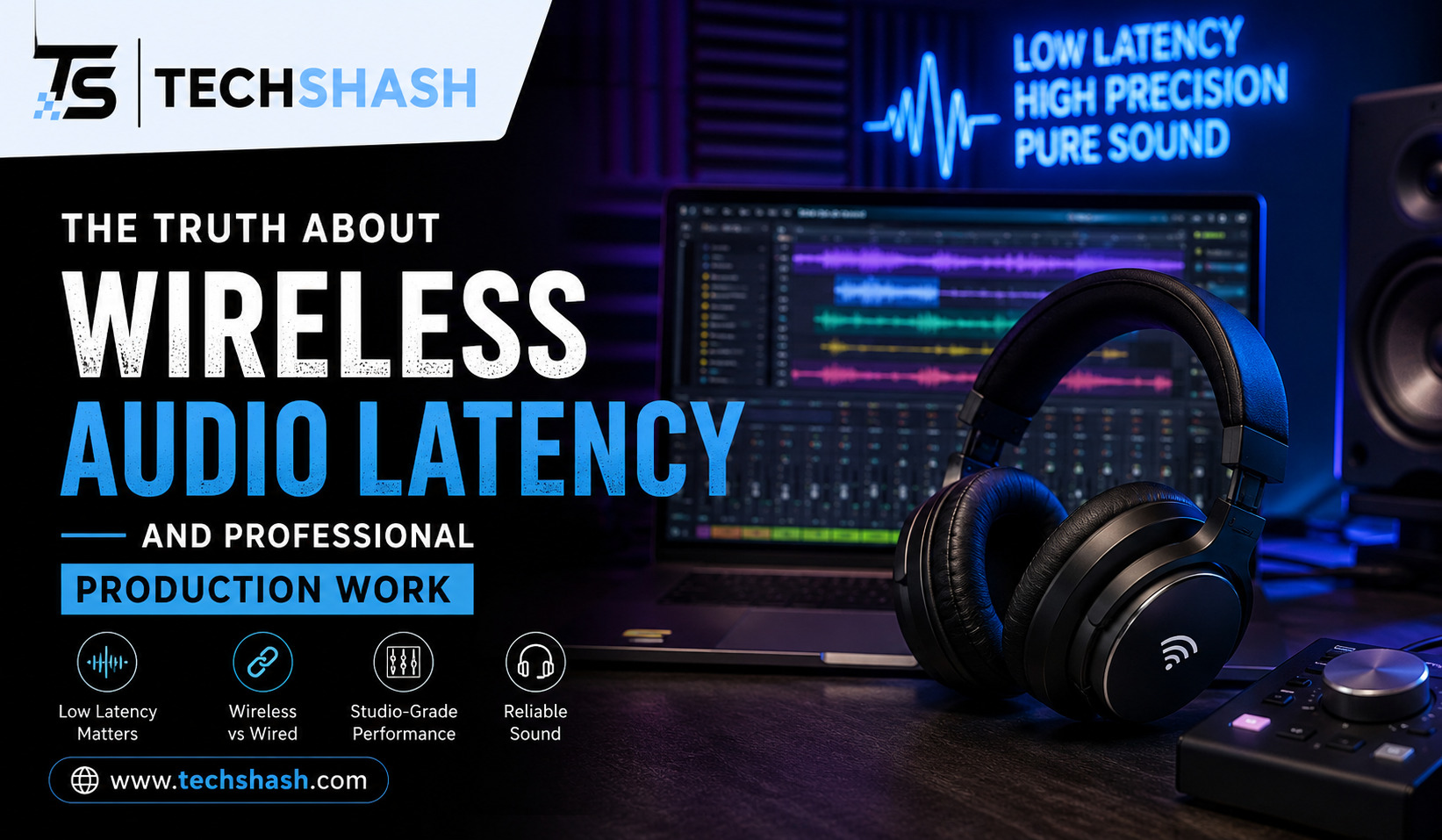
High-quality sound reproduction requires instant feedback, yet many audio professionals struggle with subtle timing delays in their monitors. Understanding wireless audio latency is essential for anyone working in recording studios, broadcast booths, or live performance venues. When sound is delayed by even a few milliseconds, a singer may hear an unnatural echo or a drummer may lose their rhythm.
This comprehensive guide examines what causes time lag in wireless sound equipment, how much delay is acceptable across different workflows, and how modern hardware handles the problem. You will learn how signal conversion, wireless protocols, and digital processing affect timing accuracy. By the end of this article, you will know exactly how to evaluate and minimize audio lag in your own setup.
1. Understanding Wireless Audio Latency and How It Is Measured
Audio delay refers to the total time spent between the moment a sound is created and the instant it reaches your ears. In a wired setup, electrical signals travel through copper cables at nearly the speed of light. In a wireless setup, sound waves must undergo complex transformations before they travel through the air as radio waves.
Every step in this journey adds a small fraction of time to the overall process. Engineers measure this delay in milliseconds, which are thousandths of a second. A delay of one millisecond per foot is roughly equivalent to how sound naturally travels through physical space.
To measure lag accurately, technicians compare the original analog input wave against the output wave using dual-channel audio analyzers. They look at the exact time difference between the input peak and the output peak. Knowing how to measure this delay helps engineers identify which piece of hardware creates the largest delay in their equipment setup.
How Analog and Digital Signals Differ in Timing
Analog signals move through circuits with almost zero time lag. The audio wave remains a continuous voltage signal throughout the entire wire path. Because there is no digital conversion involved, analog transmission generates no measurable system delay.
Digital systems must convert physical sound pressure into numerical data points using an analog-to-digital converter. The receiving unit must then process those numbers back into continuous voltage using a digital-to-analog converter. This double conversion process introduces a tiny, predictable delay known as conversion lag.
2. Why Standard Bluetooth Fails in Professional Audio Environments
Many consumer audio products rely on Bluetooth technology because it is convenient and uses very little power. However, standard consumer Bluetooth generates severe bluetooth audio delay that makes it unusable for live music creation or video editing. Most consumer headphones introduce anywhere from 100 to 300 milliseconds of audio delay.
When a performer hears their own voice delayed by 100 milliseconds, their brain interprets the sound as an immediate acoustic echo. This effect triggers a natural mental block that makes speaking or singing nearly impossible. Musicians cannot maintain correct tempo or pitch when monitoring through a signal with this much lag.
Consumer codecs prioritize data compression and battery efficiency over rapid speed. Codecs like SBC and AAC process audio in large packages, storing incoming data in a temporary memory buffer before sending it across the airwaves. This buffering safeguards against audio dropouts, but it causes huge delays in real-time sound reproduction.
Low-Latency Codecs and Their Limitations
Engineers created low-latency Bluetooth codecs like aptX Low Latency and LC3 to address these delay problems. These protocols reduce transmission times down to roughly 30 or 40 milliseconds. While this is a big improvement for casual gaming or watching movies, it is still far too slow for professional studio work.
Professional monitoring requires a maximum delay below 5 milliseconds. Even the fastest consumer Bluetooth protocols exceed this limit by a wide margin. Furthermore, Bluetooth operates on crowded radio bands that are prone to sudden interference from nearby Wi-Fi routers and smartphone devices.
3. Acceptable Latency Thresholds for Performance and Monitoring
Different audio tasks have very different tolerances for signal delay. Understanding these limits helps engineers select the right tools for each job without overspending on unnecessary gear. The human ear is remarkably sensitive to subtle timing cues, especially when listening to a personal vocal performance.
Singers are the most sensitive to delay because sound travels through their vocal cords directly into their inner ear via bone conduction. When this internal sound mixes with a delayed headphone feed, it creates a phase cancellation effect called comb filtering. To avoid this unpleasant hollow sound, vocal monitoring systems must maintain an ultra low latency wireless path under 3 milliseconds.
Vocalist Sensitivity to Audio Latency:
———————————————————————-
0ms – 3ms | Ideal range; no phase cancellation or comb filtering felt.
3ms – 6ms | Acceptable for most instrumentalists; minor phase effect for vocalists.
7ms – 10ms | Noticeable delay; feels like standing 10 feet away from an amplifier.
> 15ms | Unacceptable for live monitoring; creates echo and rhythm disruption.
———————————————————————-
Instrumentalists can usually tolerate slightly higher delay levels than singers. A guitarist standing ten feet away from a speaker cabinet already experiences roughly 10 milliseconds of natural acoustic delay through the air. Therefore, electric guitar players and keyboardists can typically perform comfortably with monitoring delays up to 6 or 8 milliseconds.
Audio Video Sync Standards in Post-Production
In video post-production, sound and picture must remain synchronized to preserve believable dialogue. The European Broadcasting Union recommends maintaining audio video sync within strict boundaries during broadcast delivery. Sound should never lag behind video by more than 40 milliseconds, nor lead video by more than 20 milliseconds.
When audio and visual tracks drift further apart, viewers notice that lip movements do not match spoken words. Video editors use frame-accurate timing offsets within their software to keep dialogue perfectly aligned. For critical dialogue editing, low delay hardware ensures that what you see on the screen matches what you hear in your headphones.
4. Key Bottlenecks That Create Delay in Wireless Signal Chains
Every component between a microphone and a speaker adds a small amount of time to the overall signal flow. Identifying where these bottlenecks occur allows audio engineers to optimize their gear setup effectively. The total time lag is always the sum of every individual delay along the signal path.
The first major bottleneck occurs during sample rate conversion and digital processing. When an audio signal enters a digital receiver, digital signal processing algorithms analyze the sound to eliminate background noise and correct radio errors. Complex algorithms require more processing time, which directly increases total latency.
Total Signal Chain Delay Calculation:
—————————————————————–
Digital Conversion (A/D) : 1.2 ms
Wireless Radio Transmission : 0.8 ms
Receiver Error Correction : 0.5 ms
Digital to Analog (D/A) : 1.0 ms
—————————————————————–
Total Cumulative Latency : 3.5 ms (Acceptable for Live)
Radio packet buffering creates a second significant bottleneck in digital setups. Wireless transmitters split audio into small data packets before transmitting them over radio frequencies. If radio interference corrupts a packet, the receiver must request a packet retransmission or reconstruct the missing data mathematically, adding delay.
The Impact of Computer Audio Interfaces and Buffer Settings
When wireless receivers feed their output into a computer recording interface, software buffer settings add further delay. A computer needs a temporary buffer to process digital sound without producing annoying pops, clicks, or dropouts. Choosing a large buffer size gives the computer processor more time to compute, but it adds substantial pro audio latency to the recording path.
A buffer size of 512 samples at a 44.1 kilohertz sample rate adds over 11 milliseconds of software delay. Reducing that buffer size down to 64 samples lowers the software delay to under 2 milliseconds. However, lower buffer settings demand significantly more central processing unit power from your computer system.
5. Dedicated Digital Wireless Systems versus Analog UHF Systems
To achieve professional timing performance, sound production teams rely on specialized wireless gear operating on dedicated Ultra High Frequency radio bands. These systems use high-grade radio components designed specifically for live entertainment, theater, and broadcast. They avoid consumer wireless protocols entirely to prioritize speed and stability.
Analog UHF wireless systems have been the industry standard in live performance for decades. Because analog transmitters modulate radio frequencies directly without converting the signal into digital code, they operate with zero system delay. The sound travels through the air at the speed of light without any conversion processing.
Despite their zero-delay advantage, analog systems rely on audio companding circuits to squeeze wide dynamic range into narrow radio channels. Companding compresses sound before transmission and expands it inside the receiver. This analog compression process can introduce subtle audio artifacts and limit overall signal clarity.
How Modern Digital Wireless Achieves Ultra Low Delay
Modern digital wireless systems overcome the audio quality limitations of analog gear while keeping latency extremely low. High-end digital transmitters use ultra-fast conversion chips that convert audio in fractions of a millisecond. These units transmit uncompressed digital audio over proprietary radio protocols designed for immediate delivery.
Leading professional digital systems achieve total round-trip timing delays between 1.5 and 3 milliseconds. This tiny duration is imperceptible to human ears, making top-tier digital wireless virtually indistinguishable from analog UHF systems in real-world performance settings. Modern digital setups also offer superior resistance to radio interference and support secure signal encryption.
6. Practical Steps to Reduce Pro Audio Latency in Studio and Stage
Minimizing audio timing delay requires careful planning across your entire equipment chain. By optimizing your hardware connections, wireless configurations, and digital settings, you can create a high-performance setup with minimal delay. Here are practical strategies you can implement in your studio or live stage environment.
First, always use direct analog connections whenever you link wireless receivers to monitor mixing consoles. Avoid routing wireless signals through multiple digital conversion stages or digital signal processors. Every extra conversion step adds unnecessary time lag to the signal path.
Second, optimize your computer digital audio workstation settings during live tracking sessions. Lower your audio interface buffer size to 64 or 128 samples while recording instruments or vocals. You can increase the buffer size back to 512 or 1024 samples later when you are mixing tracks and low delay is no longer required.
Third, maintain clean radio frequency conditions to prevent packet loss in digital systems. Position receiver antennas within direct line-of-sight of the transmitter to ensure strong signal reception. Using high-quality directional antenna arrays prevents signal dropouts that can force digital receivers into extra error-correction buffering.
Optimization Checklist for Low Latency Setup:
[ ] Connect wireless receivers directly using balanced analog XLR cables.
[ ] Lower audio workstation buffer settings to 64 or 128 samples during tracking.
[ ] Maintain clear line-of-sight between wireless transmitters and receiver antennas.
[ ] Set digital audio sample rates to 48 kHz or 96 kHz to speed up converter latency.
[ ] Disable non-essential digital master bus plugins during live monitoring.
Finally, consider using high sample rates such as 48 kilohertz or 96 kilohertz across your digital equipment. Digital converters process audio faster at higher sample rates because individual audio samples occur closer together in time. Running your equipment at 96 kilohertz cuts digital converter delay roughly in half compared to standard 44.1 kilohertz operation.
Key Takeaways
- Primary Cause: Digital conversion and packet buffering create delay in wireless setups, whereas traditional analog systems transmit signals with virtually zero lag.
- Consumer Limitations: Standard consumer Bluetooth produces 100 to 300 milliseconds of delay, making it completely unsuitable for live musical monitoring or video work.
- Tolerance Levels: Human singers require a total system delay under 3 milliseconds to prevent bone conduction phase artifacts and uncomfortable ear comb filtering.
- Pro Hardware: Dedicated digital wireless systems achieve imperceptible timing lag between 1.5 and 3 milliseconds while maintaining crystal-clear audio quality.
- Workflow Steps: Lower computer buffer settings, run higher sample rates, and maintain direct analog signal paths to keep monitoring delays as low as possible.
FAQs
What is the primary cause of delay in digital wireless systems?
Digital signal conversion and packet buffering during radio transmission cause the primary delay in digital wireless systems.
Can you use Bluetooth headphones to monitor live guitar or vocal recording?
You cannot use Bluetooth headphones for live monitoring because their severe timing delay disrupts pitch, tempo, and vocal execution.
How much audio lag is acceptable for live vocal monitoring?
Live vocal monitoring requires an audio delay under 3 milliseconds to prevent uncomfortable phase cancellation in the singer’s ears.
Do analog wireless microphone systems have any signal delay?
Analog wireless microphone systems have virtually zero signal delay because they transmit continuous electrical signals without digital conversion.
Does raising the sample rate lower conversion latency in digital gear?
Raising the sample rate lowers digital conversion latency because higher rates process data points much closer together in time.
Conclusion
Managing wireless audio latency is a fundamental requirement for achieving professional sound quality and seamless performance. While consumer wireless formats like Bluetooth fail to meet professional timing demands, modern digital wireless systems and traditional analog UHF units provide the speed required for live production. By understanding signal chain bottlenecks, selecting dedicated equipment, and optimizing system buffer settings, sound engineers can eliminate disruptive delay entirely. Investing in high-speed equipment ensures accurate monitoring, perfect video synchronization, and outstanding performance results across every production setting.