Every smartphone owner experiences the moment when a once-mighty phone starts losing juice by lunchtime. Understanding smartphone battery degradation helps you regain control over your device and avoid unexpected shutdown panics.
Lithium-ion power cells power almost every portable gadget today. These components naturally lose their capacity over time due to chemical changes inside the casing.
This detailed guide explains why power capacity drops, busts common charging myths, and shows you simple ways to keep your phone running longer.
1. What Causes Smartphone Battery Degradation
Inside every mobile phone sits a rechargeable lithium-ion battery. Chemical reactions move lithium ions between two electrodes when you charge or use your phone.
These internal components suffer wear whenever energy flows in or out. Over time, physical stress damages the internal structures, leading to reduced energy retention.
Several physical factors accelerate smartphone battery degradation faster than normal aging.
Charge Cycles and Chemical Wear
A full charge cycle happens when you use one hundred percent of your battery capacity. That cycle can happen in one day or across several smaller uses over two days.
Most modern phone batteries retain eighty percent of their original capacity for about five hundred full cycles. After reaching that threshold, chemical decay speeds up noticeably.
Heat and High Voltage Stress
Extreme heat is the single biggest enemy of lithium-ion chemistry. High internal temperatures cause chemical side reactions that trap free lithium ions forever.
High voltage levels also strain battery cells. Keeping a cell pushed to one hundred percent capacity creates constant mechanical stress on internal layers.
- Extreme heat above thirty-five degrees Celsius.
- Deep discharges down to zero percent charge.
- Constant exposure to maximum voltage levels.
- Physical impacts that stress internal separator sheets.
2. Separating Battery Myths From Real Science
Misinformation about battery care fills online forums and social media threads. Old rules that applied to nickel-cadmium batteries decades ago simply do not work for modern phones.
Clearing away bad advice keeps you from accidentally harming your device.
Myth 1: Charging Your Phone Overnight Destroys the Battery
Modern mobile devices use smart protection microchips that stop electric current once the battery reaches full charge. Leaving your phone plugged in while sleeping will not cause an explosion or immediate failure.
However, continuous trickle charges keep the battery at high voltage for hours. That continuous pressure gradually increases smartphone battery degradation over months of overnight plugging.
Myth 2: You Must Drain the Battery to Zero Percent First
Old battery chemistries suffered from a memory effect, requiring full drain cycles. Lithium-ion cells operate in an opposite manner.
Draining a modern battery down to zero percent causes deep stress inside the chemical layers. Partial discharges are far better for long-term health.
Myth 3: Fast Charging Always Ruins Your Battery
Fast chargers supply high energy loads during the first stage of charging. Phone hardware reduces power delivery once the charge reaches about eighty percent.
Fast charging generates excess heat, which can harm chemical stability if uncontrolled. Use fast charging when you need quick top-ups, but slow charging remains safer for daily habits.
3. Practical Daily Habits to Extend Battery Lifespan
Changing a few daily charging habits produces huge improvements in long-term performance. You do not need to change your lifestyle completely to see real gains.
Small, steady adjustments protect internal components while ensuring your device remains ready when you need it.
The Twenty to Eighty Percent Rule
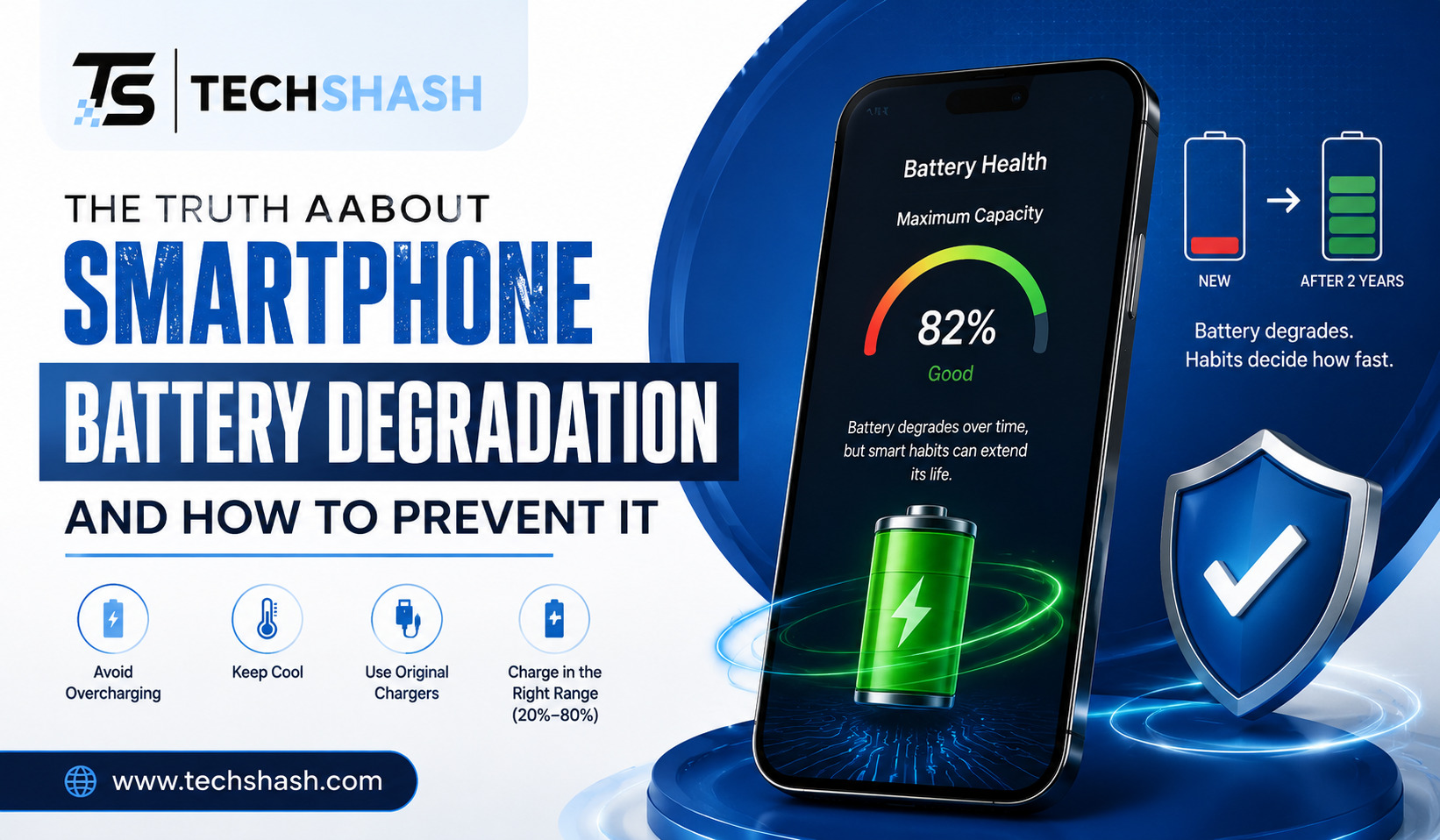
Keeping your device charge between twenty percent and eighty percent minimizes internal voltage stress. This simple range reduces physical strain on internal lithium structures.
You can plug your device in when power drops to thirty percent and unplug near eighty percent. This practice alone can double the overall lifespan of your power unit.
Managing Temperature Exposure
Never leave your phone resting on a sunny car dashboard. Sunlight combined with trapped cabin heat will degrade chemical compounds in short order.
Remove thick protective cases while charging if your device feels hot to the touch. Heavy plastic layers trap heat, forcing internal components to operate under bad conditions.
- Keep phone charge levels between twenty and eighty percent whenever possible.
- Avoid using intensive gaming applications while your device is charging.
- Store spare devices in a cool room at roughly fifty percent charge level.
- Avoid placing charging phones under bed pillows or dense cushions.
4. Essential Software Settings for Battery Protection
Modern phone operating systems include built-in features specifically designed to curb smartphone battery degradation. Taking a minute to turn on these options pays long-term dividends.
Software adjustments balance daily convenience with long-term chemical protection.
Optimized Battery Charging Features
Both main mobile operating systems offer smart charging tools. These features learn your daily routine, keeping the charge at eighty percent until just before you usually wake up.
Turning this switch on prevents the battery from sitting at maximum voltage for long stretches during the night.
Managing Background Refresh and Display Power
Applications running silently in the background consume extra power, generating subtle ambient heat inside the casing. Turn off background refresh for apps that do not require constant updates.
Lowering screen brightness reduces power draw significantly. OLED screens save energy when you switch system themes to dark mode, because dark pixels consume virtually zero electricity.
Battery Saver Modes
Built-in power management tools limit processor speed and background activity when activated. Turning on battery saver mode during long travel days protects you against unexpected shutdowns.
These features also reduce thermal generation, helping keep chemical decay at low levels.
5. How to Test Battery Health and Spot Danger Signs
Knowing the exact condition of your battery helps you plan ahead. You can check internal parameters before performance drops disrupt your day.
Regular checks reveal whether issues stem from software glitches or physical decay.
Checking Built-In Diagnostic Tools
Apple devices display a direct health percentage inside the system settings menu. A reading below eighty percent indicates that service or replacement is recommended soon.
Android devices provide diagnostic menus or dedicated system companion tools. These diagnostic utilities rate battery health with simple status terms like good, fair, or poor.
Physical Indicators of Advanced Decay
Physical signs often signal severe chemical failure. Pay attention to how your phone feels during everyday tasks.
- Unusually rapid power drops from fifty percent straight to zero.
- The rear glass or plastic casing feels uncomfortably hot during light usage.
- Screen lifting away from the metal frame, which indicates a swollen battery cell.
- Unexpected device shutdowns while opening heavy applications in mild weather.
A swollen battery presents a safety hazard. If you notice screen lifting or a bulging back cover, stop charging the device immediately and seek professional repair.
6. What the Future Holds for Phone Battery Technology
Engineers across the globe are working hard to create better energy storage solutions. Current lithium-ion designs are approaching their physical limits, prompting investment in new alternatives.
New technologies promise faster charging, larger storage capacities, and higher resistance to high temperatures.
Solid-State Batteries
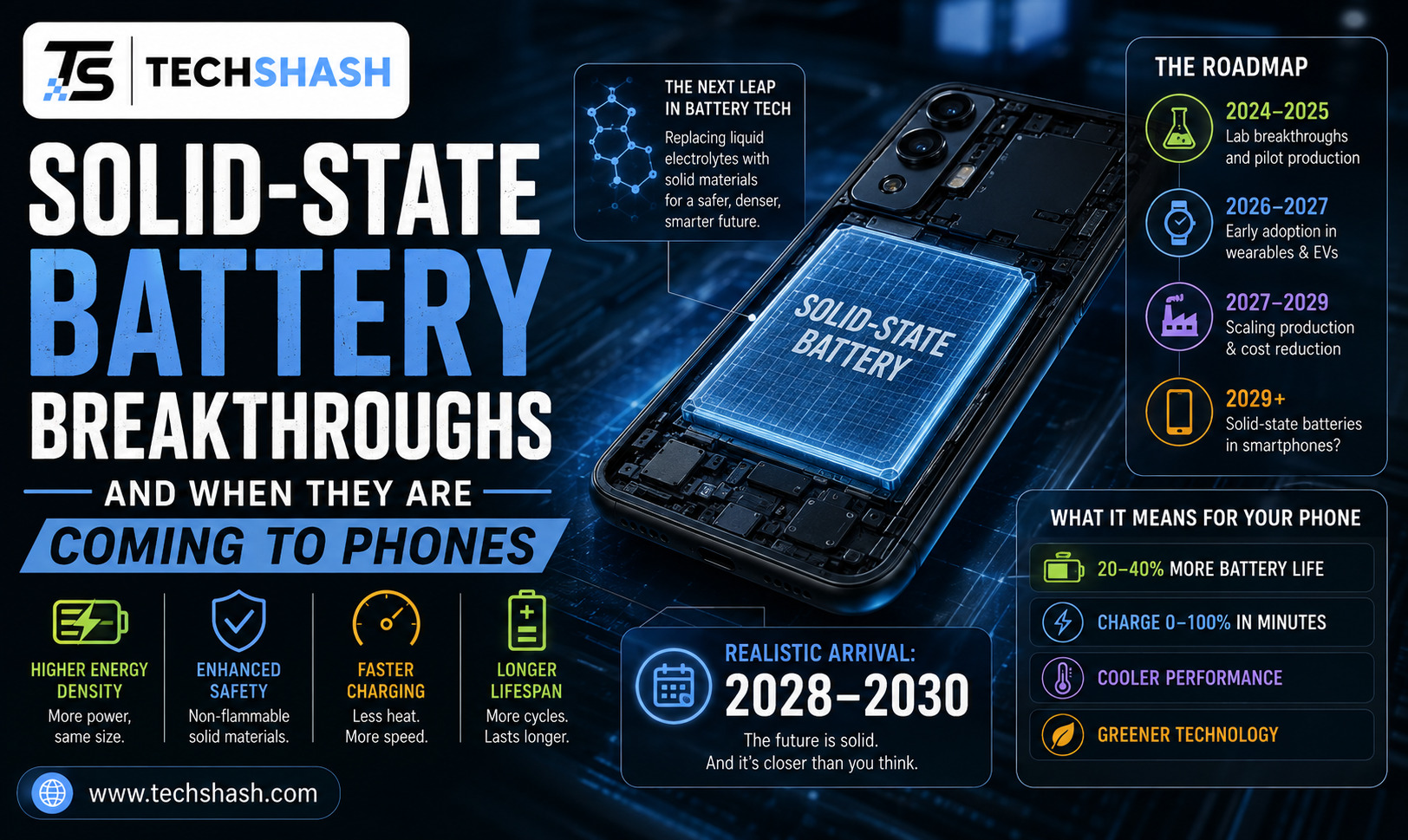
Solid-state designs replace liquid electrolytes with solid material layers. This structural change eliminates fire hazards and dramatically reduces internal chemical decay.
Solid-state power units can withstand thousands of charging cycles without losing significant capacity. Production scale remains challenging, but commercial arrival appears likely within a few years.
AI Thermal Management and Smart Charging
Future phones will rely heavily on artificial intelligence to monitor thermal patterns. Microprocessors will adjust current intake based on real-time ambient temperatures and individual usage habits.
Smart software will slow down charging automatically when you are sleeping or sitting near warm heat sources.
Key Takeaways
- Ideal charge zone: Keep your daily charge levels between twenty and eighty percent to minimize chemical stress.
- Temperature management: Keep your device out of direct sunlight and remove thick cases during fast charging sessions.
- Software protection: Turn on optimized charging features inside your device settings menu today.
- Overnight danger: Avoid leaving your phone on high voltage trickle chargers for long hours every single night.
- Replacement sign: Replace your power unit when maximum health drops below eighty percent or when the case bulges.
Frequently Asked Questions
Does fast charging permanently damage my phone battery?
Fast charging generates extra heat, but modern hardware manages electric current safely to prevent immediate damage.
Should I let my new phone drain completely before charging it the first time?
Modern lithium-ion batteries do not require a full initial discharge because they lack memory effect issues.
Why does my phone battery drain faster during cold winter weather?
Cold temperatures slow down internal chemical reactions, temporarily lowering available power until the device warms up.
Is it dangerous to use my phone while it is plugged into a charger?
Using your device during charging creates extra operational heat, which increases smartphone battery degradation over time.
How many years should a normal smartphone battery last before failing?
A typical smartphone battery maintains acceptable performance for roughly two to three years of standard daily usage.
Conclusion
Understanding smartphone battery degradation gives you the knowledge needed to keep your phone operating smoothly for years. Avoiding full discharges, limiting high heat exposure, and using smart software settings will protect your investment. Simple adjustments in your daily routine preserve battery health and save you money on early repairs.