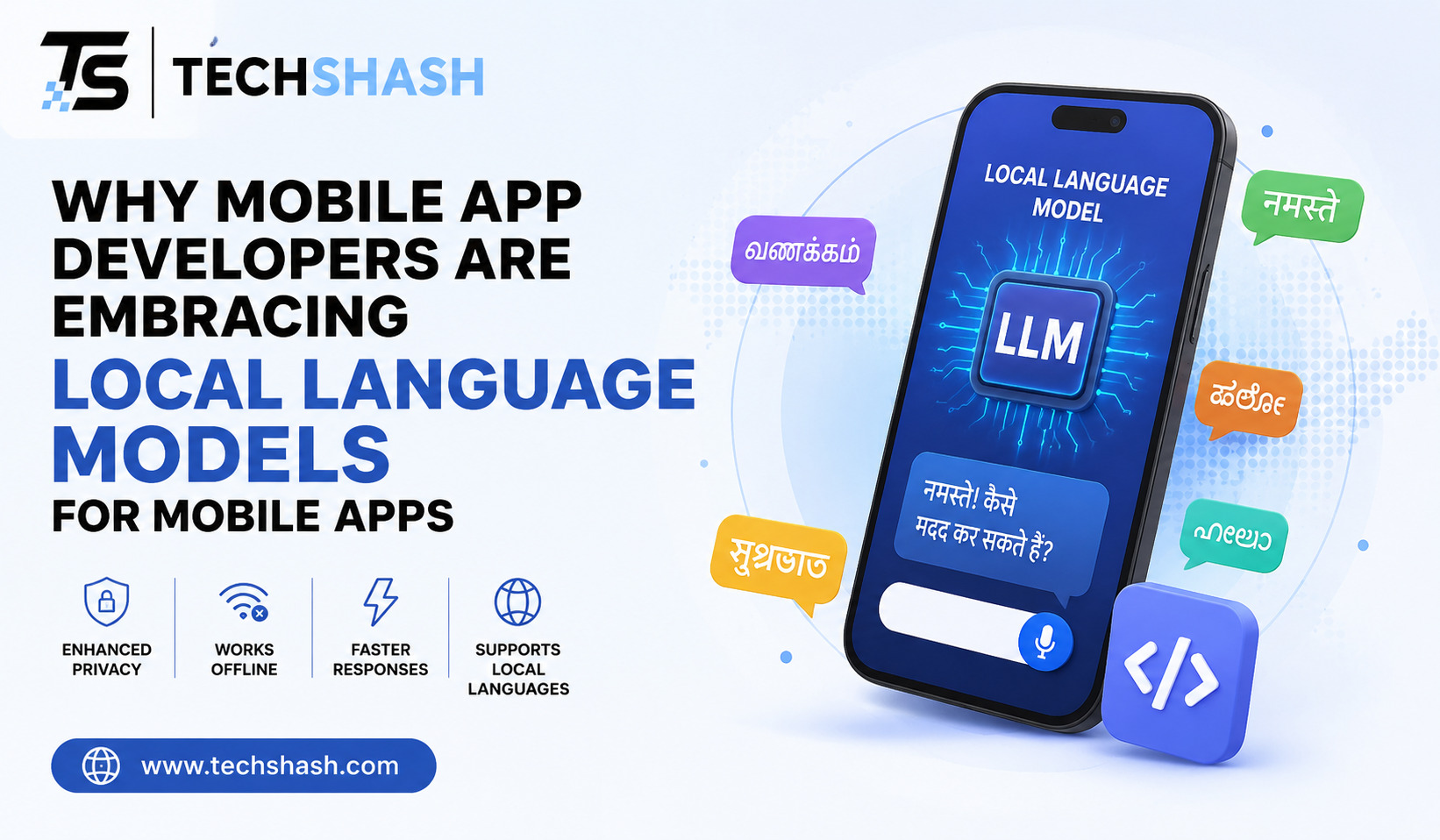
Mobile app creators are shifting how they handle artificial intelligence. Instead of sending every request to distant cloud servers, engineers are running small artificial intelligence systems directly inside smartphones. Using local language models for mobile apps allows software creators to build faster and more private applications for millions of users worldwide.
This approach addresses common problems like slow network speeds, high server bills, and user privacy worries. In this article, you will learn why mobile app developers are choosing local artificial intelligence and how this technology works on modern devices.
1. What Are Local Language Models in Mobile Development?
A local language model is an artificial intelligence program that runs directly on a target device such as a smartphone or tablet. Standard artificial intelligence applications send user prompts across the internet to massive cloud servers. The cloud server processes the text and sends the answer back to the phone screen.
In contrast, an on-device model operates entirely within the hardware of the mobile phone. The text processing, decision making, and answer generation happen inside the local memory and chip set of the user.
Cloud APIs versus On-Device Processing
Cloud services rely on powerful data centers filled with enterprise graphics hardware. They can process huge amounts of information, but they require a active internet connection.
On-device processing keeps all computations inside the handset. This eliminates the middle step of sending data back and forth across network towers.
The Rise of Small Language Models
Artificial intelligence creators have recently built smaller models designed for personal hardware. These systems pack high intelligence into small parameter sizes ranging from one billion to seven billion parameters.
These smaller designs fit comfortably into the memory limits of modern smartphones. They allow developers to run intelligent tools without needing enterprise cloud hardware.
2. Enhancing User Privacy and Data Security
Privacy is a top concern for smartphone users today. When an app sends personal messages, health notes, or financial logs to a remote cloud server, that data can be exposed to risks.
Running artificial intelligence locally removes the need to transfer personal data outside the phone. This design protects user identity while still delivering helpful features.
Keeping Sensitive Data On-Device
When a mobile app processes text locally, personal input never leaves the phone storage. The application reads the text, creates a response, and keeps the information local.
This architecture ensures zero data transmission to external corporate servers. Users keep full control over their private files, personal notes, and confidential chat histories.
Meeting Strict Regulatory Standards
Global data protection laws require software companies to protect consumer privacy. Rules like the General Data Protection Regulation demand strict handling of user information.
Local artificial intelligence helps companies comply with these global regulations automatically. Since data stays on the device, app creators reduce the risk of remote server data breaches.
3. Eliminating Latency for Real-Time Mobile Experiences
Network delay can ruin a smooth mobile experience. Waiting for a web server to respond creates frustrating lag, especially on weak mobile networks.
Local execution removes network reliance completely. Software can process user input and render responses instantly on the screen.
Removing Network Round Trips
Sending text across mobile networks takes time. The data must travel from the phone to a cell tower, across the internet to a server, and back again.
On-device processing cuts out every single network hop. The model processes input immediately, delivering instant response times for live software features.
Improving Immediate User Interaction
Fast response times make mobile applications feel smooth and natural. Real-time features like live text correction, auto-complete suggestions, and instant voice translation require low delay.
Users get immediate feedback as they type or speak. This speed keeps people engaged and reduces app abandonment rates.
4. Reducing Cloud Server and Infrastructure Costs
Running cloud-based artificial intelligence services gets very expensive as your user base grows. Every single request sent to a cloud server costs money in compute time and API usage fees.
Using local language models for mobile apps helps companies control their spending. The user device performs the computation, shifting processing work away from expensive data centers.
High API Costs of Cloud Inference
Popular cloud models charge developers for every word or token generated. A popular app with millions of active users can generate massive monthly server bills.
These recurring fees make it hard for small startup teams to stay profitable. High server costs often force creators to add expensive subscriptions to their products.
Sustainable Scaling for Mobile Apps
When apps use local processing, adding new users does not increase central server costs. The computational burden is distributed across millions of individual user phones.
This system creates predictable operational expenses for development teams. Companies can grow their user base without worrying about exploding cloud computing budgets.
5. Enabling Full Offline Functionality for Remote Users
Many mobile applications become useless when an internet connection drops. People use smartphones while traveling in tunnels, flying on airplanes, or working in rural regions with poor coverage.
On-device models allow mobile tools to function anywhere on Earth. Users retain access to smart features regardless of network conditions.
Reliable Performance Without Internet Connection
Local models run inside the memory of the phone without contacting outside networks. An offline user can still summarize notes, translate text, or draft emails without interruption.
This constant availability guarantees offline functionality for essential daily tasks. Users never face broken screens or error messages caused by lost internet signals.
+——————————————————-+
| Mobile User Input |
+—————————+—————————+
|
v
+——————————————————-+
| Local AI Model (On-Device) |
| – Runs on Phone Hardware (NPU/GPU) |
| – Zero Network Calls / Zero Data Transfers |
+—————————+—————————+
|
v
+——————————————————-+
| Instant Offline Output |
+——————————————————-+
Supporting Field Workers and Travelers
Professionals who work in remote places depend on reliable tools. Geological researchers, flight crews, medical personnel, and rural delivery drivers often lack high-speed internet.
Offline artificial intelligence allows these workers to record notes, analyze reports, and clean data on site. This capability makes mobile tools far more reliable in critical situations.
6. Leveraging Modern On-Device Hardware Accelerators
Recent smartphone hardware includes dedicated components built specifically for artificial intelligence tasks. Smartphone chip makers design these components to handle complex matrix math quickly and efficiently.
Mobile software developers can now tap into this specialized silicon. Modern mobile chips deliver fast processing without draining the phone battery quickly.
Neural Processing Units in Modern Chips
Modern mobile chipsets feature dedicated hardware blocks known as neural processing units. Companies like Apple, Qualcomm, MediaTek, and Google include these chips in standard smartphones.
These specialized units process machine learning tasks much faster than standard central processing units. They run local artificial intelligence tasks while using very little electric power.
Energy Efficiency and Battery Life
Running artificial intelligence on general mobile processors can drain a phone battery fast and make the device hot. Neural hardware fixes this issue by optimizing math operations for low power consumption.
Efficient silicon allows local models to process text without harming daily battery performance. Users enjoy smart features without searching for a charger every few hours.
7. Key Frameworks and Optimization Techniques for On-Device AI
Running large models on small hardware requires clever software engineering techniques. Developers use specialized compression tools and mobile execution engines to fit models into phone memory.
These tools make high-end artificial intelligence models run efficiently within tight hardware limits.
Model Quantization and Compression
Raw language models use complex floating-point numbers that take up gigabytes of memory space. Model quantization shrinks these numbers into smaller formats, such as 4-bit integers.
+——————————————————————-+
| Model Compression Process |
+——————————————————————-+
| 16-Bit Floating Point Model —> 4-Bit Quantized Local Model |
| (Large Memory Footprint) (Small Memory Footprint) |
+——————————————————————-+
This compression process reduces the file size of the model significantly while keeping most of its original accuracy. It enables a model that once needed a server to fit into mobile phone storage.
Mobile AI Libraries and Engines
Developers use specialized software engines to run compressed models smoothly on mobile operating systems.
- Apple Core ML optimizes model execution for iPhone hardware.
- ExecuTorch provides a lightweight runtime for mobile operating systems.
- ONNX Runtime allows cross-platform execution on Android and iOS devices.
- Llama.cpp enables efficient local execution across various consumer hardware platforms.
These frameworks handle hardware acceleration automatically for software engineers. Developers can focus on building great application features rather than managing low-level hardware code.
8. Key Challenges When Building Mobile Apps with Local Models
While local models provide clear benefits, engineers face real technical challenges during implementation. Mobile phones have strict hardware limits compared to cloud data centers.
Developers must balance performance, battery usage, app size, and output quality carefully.
Limited Device RAM and Storage
Mobile devices share system memory across the operating system and active applications. A large model can use up available RAM, causing other background apps to close unexpectedly.
Model files also increase the initial download size of the application in app stores. Engineers must manage memory footprints to keep applications light and fast.
Balancing Model Accuracy and Size
Shrinking a model to fit inside a mobile phone can reduce its overall reasoning ability. Small local models may struggle with complex academic questions or long context understanding.
Developers must choose the right model size for their specific app features. A simple task like text cleanup needs a smaller model than a complex coding assistant.
Key Takeaways
- Enhanced Privacy: On-device processing keeps personal user data securely inside the phone storage without external network transmission.
- Zero Network Lag: Local execution removes internet round trips, delivering instant responses for real-time app interactions.
- Lower Operating Costs: Developers avoid paying expensive cloud API usage fees per request as their user base scales.
- Offline Reliability: Applications work everywhere, including remote regions, airplanes, and areas with weak cellular coverage.
- Hardware Acceleration: Modern smartphone chips feature specialized neural processing units built for energy-efficient local compute.
FAQs
What is the main benefit of local language models for mobile apps?
The main benefit of local language models for mobile apps is that they process data directly on the user device without needing an active internet connection or sending private data to cloud servers.
Do local language models require an internet connection to work?
No, local language models operate entirely on the hardware of the mobile device and do not require an active internet connection to process text.
How much storage space do local AI models need on a phone?
Quantized local language models designed for smartphones typically require between five hundred megabytes and four gigabytes of internal storage space.
Can local models perform as well as massive cloud models?
While local models are highly effective for focused tasks like text editing and summary generation, massive cloud models still outperform them on highly complex reasoning tasks.
Which mobile chips support local language model acceleration?
Modern mobile chipsets with dedicated neural processing units, such as Apple Silicon, Qualcomm Snapdragon, MediaTek Dimensity, and Google Tensor, support hardware acceleration for local models.
Conclusion
The adoption of local language models for mobile apps marks a clear evolution in software architecture. By moving processing tasks from distant cloud centers directly onto personal devices, engineers create tools that are fast, secure, and cost-effective. Users benefit from immediate answers and complete control over their personal information, while development teams enjoy lower server bills and reliable offline performance. As mobile hardware and model compression techniques continue to advance, on-device artificial intelligence will become a standard foundation for modern mobile experiences.