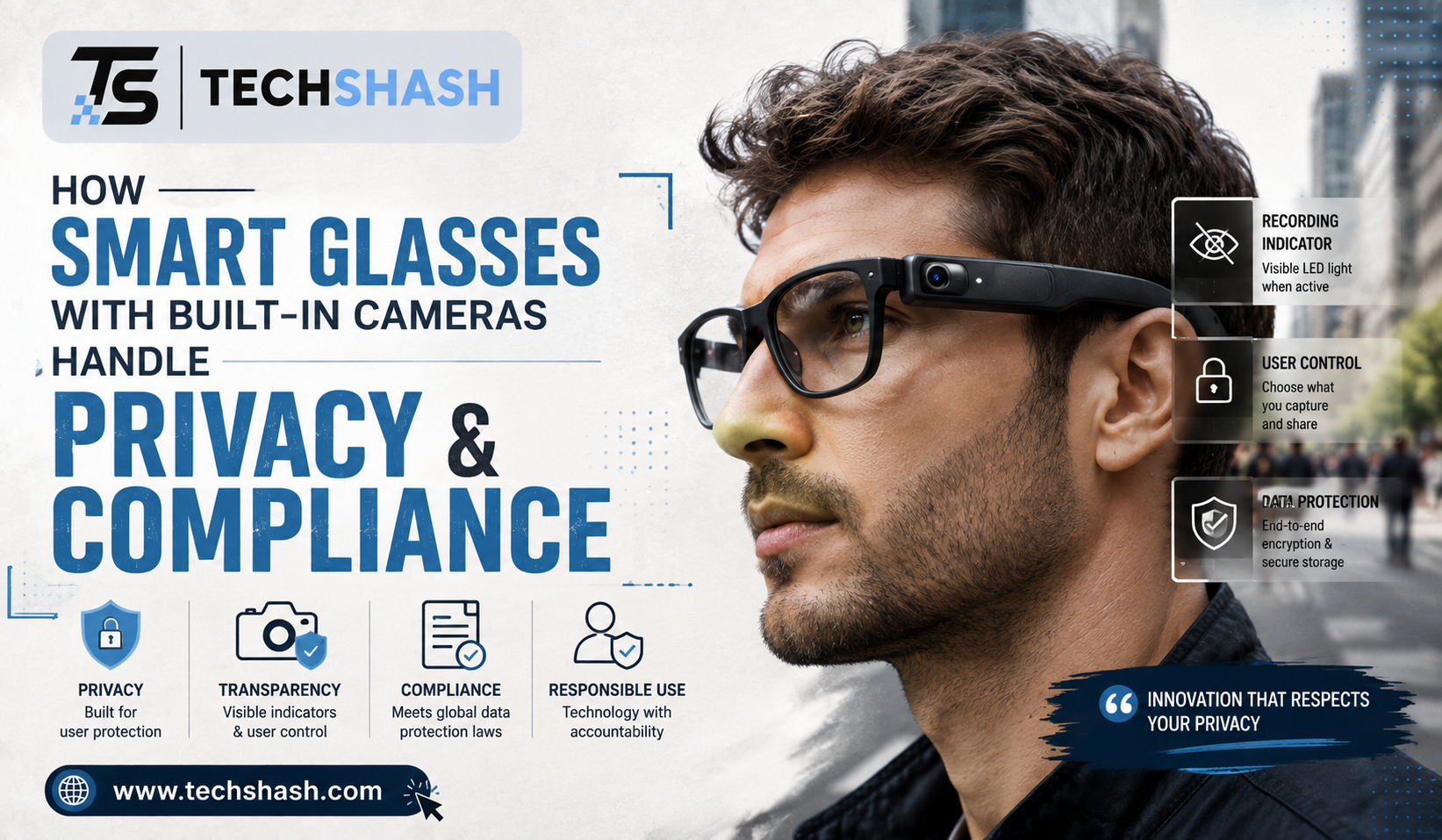
Wearable technology has moved from science fiction directly into everyday life. Tiny lenses embedded inside regular eyeglass frames allow people to take photos, capture high-definition video, and record voice clips without holding a phone. However, carrying wearable sensors everywhere raises massive questions about personal space, consent, and wiretapping laws.
Understanding how smart glasses with built-in cameras operate while staying legal and ethical is important for buyers and non-users alike. Manufacturers spend millions of dollars building hardware safeguards to prevent hidden recordings. At the same time, governments across the world enforce strict privacy frameworks to protect everyday citizens from secret surveillance. This detailed guide explains how modern optical hardware balances convenience with strict privacy standards.
1. Understanding Recording Notifications and Data Privacy
Recording individuals without their explicit knowledge creates immediate friction in public spaces. Early head-worn gadgets faced massive public backlash because people could not tell when a camera lens was active. Modern manufacturers have learned from those early mistakes by designing physical warning mechanisms directly into the frames.
Visual Signal Lights
Almost every current wearable camera frame features an integrated light-emitting diode on the outer front edge. This tiny LED light illuminates bright white or green whenever the lens begins recording video.
The light is hardwired to the camera sensor power supply. That physical connection means the camera cannot receive electrical current without turning on the notification light.
Tamper-Prevention Mechanisms
Software controls prohibit users from turning off the visual recording light inside the system settings. If someone places dark tape or sticker paper over the LED bulb, internal light sensors detect the blockage.
Once the sensor detects a covered light, the system immediately disables the video recording software. Users cannot record anything until the physical light indicator is clear of all obstructions.
Audio Recording Cues
Audio prompts provide an extra layer of notification for nearby people. Many devices emit a distinct mechanical shutter sound when taking a photograph or starting a video clip.
These chime sounds play through external open-ear speakers so nearby bystanders can hear the action clearly. Hardware engineers tune these chime sounds to carry across standard conversation distances in normal room settings.
2. Legal Compliance and Consent Laws Across the Globe
Laws governing voice and video capture vary dramatically from one country or state to another. What is completely legal on a public sidewalk in one town might violate federal wiretap statutes a short distance away. Owners must understand local regulations before switching on high-definition video recording functions.
One-Party vs. Two-Party Consent in the United States
Audio recording laws in America create distinct obligations depending on your current location. Roughly thirty-five states follow one-party consent laws, allowing you to record conversations if you are an active participant in the discussion.
Conversely, more than a dozen states enforce strict two-party consent laws requiring every person present to give clear permission before audio recording begins. Wearing interactive frames into a private business in a two-party consent state without warning people can trigger severe wiretapping statutory penalties.
European Union GDPR Regulations
The General Data Protection Regulation treats captured video frames and biometric facial data as personal information. Under European union rules, individuals have a legal right not to be captured in private databases without clear consent.
European Compliance Standards:
* Facial data collection requires explicit subject permission
* Commercial video recording in public spaces demands clear signage
* Subjects maintain a legal right to request data deletion
* Storing unencrypted facial files creates massive corporate liability
Personal use exceptions allow people to take casual personal photos in general public areas across Europe. However, systematically recording crowds or publishing identifiable faces on social media channels can result in heavy regulatory fines under regional data protection laws.
Public Expectations of Privacy
Courts continuously balance individual privacy rights against public recording freedoms. Sitting inside a private home, doctor office, or changing room carries an absolute expectation of privacy.
Using optical recording hardware inside those protected spaces without permission violates criminal voyeurism laws. Conversely, standing in a crowded public park offers a much lower legal expectation of absolute privacy.
3. Technological Safety Features in Smart Glasses with Built-In Cameras
Hardware makers rely on advanced engineering controls to protect user data from hacker access and unauthorized extraction. Security begins at the chip level inside the frame arms and extends to remote server connections.
Core Hardware Security Layers:
1. Hardware-level LED power bridging
2. On-device storage encryption keys
3. Microcontroller tamper detection logic
4. Secure Bluetooth pairing protocols
On-Device Storage Encryption
Photos and video clips stored inside internal frame storage remain encrypted behind cryptographic protection keys. Unlocking the saved media requires an active encrypted Bluetooth pairing session with the owner paired mobile smartphone.
If a thief steals the physical frames, plugging the hardware directly into a computer desktop reveals zero readable media files. The stored flash memory chips appear completely unreadable without the companion smartphone cryptographic token.
Cloud Synchronization Safeguards
Automatic background uploads send media files to secure cloud servers using standard encrypted network pathways. Cloud providers scan uploaded files to detect malicious software activity and block illegal material automatically.
Data Handling Comparison:
* Local Frame Memory: High encryption, zero public access, auto-wipes on forced reset
* Phone Companion App: Password protected, biometrically secured, requires active user login
* Cloud Backups: Server-side encryption, restricted access keys, customizable auto-delete timers
Users can activate automatic deletion timers that wipe local storage files as soon as cloud transfers finish. This process prevents lost hardware from exposing personal video archives to strangers.
Operating System Security Updates
Manufacturers push frequent firmware updates over the air to fix newly discovered software vulnerabilities. These background updates harden system microcontrollers against unauthorized third-party modification attempts.
Modifying internal firmware to bypass privacy lights voids product warranties immediately. Modern bootloader security routines will disable device functions permanently if unauthorized system modifications occur.
4. Bystander Rights and Public Social Etiquette
Legal permissions set minimum behavior rules, but social etiquette determines how comfortably people accept emerging technology. Navigating social interactions gracefully prevents unnecessary arguments and builds public trust around wearable camera gear.
Recognizing Personal Space Boundaries
Observing simple social boundaries keeps optical recording unobtrusive and respectful. Turning your head away or putting your frames away during intimate conversations demonstrates clear respect for others.
- Do not wear recording frames inside public restrooms or locker room facilities.
- Remove optical hardware when entering medical clinics or confidential therapy spaces.
- Store frames inside protective cases during sensitive professional contract negotiations.
- State clearly that your frames can record video whenever meeting new acquaintances.
People feel much more comfortable when you address the presence of camera hardware openly. Transparency eliminates suspicion before awkward situations develop.
Responding to Bystander Concerns
If a bystander asks whether you are currently recording video, answer honestly and calmly without getting defensive. Showing them the inactive notification light builds immediate confidence and de-escalates potential conflicts.
If someone requests that you refrain from taking their photo, honor their wish right away. Deleting a recorded clip in front of the concerned person builds community digital trust and avoids public arguments.
Managing Accidental Background Captures
Busy city streets make accidental background captures completely unavoidable during normal operation. Responsible content creators blur out visible faces and vehicle license plates before sharing footage online.
Using automated editing software to mask secondary background details protects bystander identity. Taking these small extra steps shows high respect for general public privacy rights.
5. Workplace Security and Enterprise Recording Rules
Businesses view wearable recording technology through the lens of trade secret protection and corporate espionage risks. Enterprise environments enforce strict rules to keep confidential customer records and proprietary designs safe from accidental exposure.
Restricted Corporate Zones
Many corporate offices classify research laboratories, manufacturing floors, and financial server rooms as restricted non-recording zones. Bringing optical recording gear into these spaces breaks corporate security compliance rules.
Common Workplace Restricted Zones:
* Product design and prototyping labs
* Human resources interview offices
* High-security data centers
* Executive boardrooms during financial reviews
Employees must store their personal smart eyewear inside secure lockers before entering high-security corporate facilities. Security personnel monitor entry doors using specialized optical lens detectors to stop hidden recording hardware.
Enterprise Mobile Device Management
Companies often force employees to register wearable hardware under central administrative software platforms. These management tools allow corporate IT departments to turn off optical hardware features automatically inside company facilities.
GPS geofencing parameters disable camera software whenever the physical frames cross into protected building boundaries. This automated system lets staff wear clear prescription frames for vision while enforcing zero-recording corporate policies.
Customer Data Protection Compliance
Healthcare clinics, legal offices, and banking institutions must follow regulatory laws regarding client confidentiality. Accidental audio or video capture inside client meetings breaks professional secrecy obligations.
Staff members working in regulated services must use standard optical frames during work hours. Leaving recording equipment outside client meeting spaces avoids huge regulatory compliance fines for financial or medical data leaks.
6. Practical Steps for Responsible Daily Eyewear Usage
Operating wearable tech safely requires setting up good habits from day one. Following simple operational guidelines keeps your digital records secure while keeping your personal social interactions completely pleasant.
Daily User Checklist:
[ ] Check LED light functionality before leaving home
[ ] Update companion smartphone application software
[ ] Review regional consent laws when traveling across state lines
[ ] Clear internal device memory after cloud uploads finish
Keep Your Firmware Up to Date
Software updates contain critical security patches that protect your personal data from unauthorized network access. Check your mobile app twice a month to install available system updates promptly.
Running old software leaves your Bluetooth connection vulnerable to interception by sophisticated digital tools. Keeping system code fresh is the easiest way to keep your personal video logs private.
Set Strong Password Protocols
Protect your companion mobile app using biometric authentication alongside complex alphanumeric passwords. Never use simple four-digit pins to protect phone apps that sync with your optical hardware.
Activating multi-factor authentication prevents unauthorized users from accessing your cloud video library if your smartphone gets stolen. Secure passwords keep private home video clips protected against online data breaches.
Inform People Before Recording
Make a quick verbal announcement before recording video clips at family events or public gatherings. Giving people a simple head-up prevents misunderstandings and shows high social maturity.
Sample Notification Phrases:
* “I am starting a quick video clip on my glasses now.”
* “Let me know if anyone prefers not to be in this photo.”
* “These frames capture video, so I am turning them off for our meeting.”
Simple communications eliminate anxiety and help friends feel relaxed around modern wearable camera hardware. People appreciate thoughtful courtesy whenever new recording tech enters their personal environment.
Key Takeaways
- Notification standards: Modern optical frames feature hardwired LED lights that turn on during video recording sessions to alert bystanders.
- Consent legalities: Audio and video recording rules vary by state and country, making it essential to understand local wiretapping regulations.
- Hardware protection: On-device storage uses cryptographic keys linked to companion smartphones to stop data theft from lost frames.
- Workplace rules: Corporate facilities often use geofencing or physical bans to stop secret optical recording in confidential office zones.
- Social etiquette: Informing people before recording video and respecting deletion requests builds healthy public trust around wearable technology.
FAQs
Can I legally turn off the recording light on my smart glasses?
No, software guardrails and physical electrical wiring prevent users from turning off the visual recording light while capturing video.
What should I do if someone asks me to stop recording them in public?
You should stop recording immediately and offer to delete any captured footage to show respect for their personal privacy concerns.
How do European privacy laws affect people wearing camera frames?
European laws require explicit subject consent for systematic data collection, meaning recording individuals without permission can trigger heavy regulatory fines.
Do smart glasses with built-in cameras store unencrypted video files?
No, modern devices store video clips inside encrypted memory segments that stay unreadable without an authenticated companion smartphone connection.
Are wearable camera frames allowed inside normal workplace offices?
Most companies prohibit optical recording equipment in confidential work areas to protect corporate trade secrets and client data privacy.
Conclusion
Understanding how smart glasses with built-in cameras balance personal convenience with strict privacy rules helps users enjoy wearable technology responsibly. Hardware indicators, automated encryption, and regional wiretapping laws work together to protect bystander privacy rights while keeping stored media files safe from data theft. By honoring simple social etiquette rules and respecting workplace security policies, individuals can embrace modern optical innovations without compromising public trust or personal legal compliance.